Customer Help Line
TEL: 1300 886 649
20
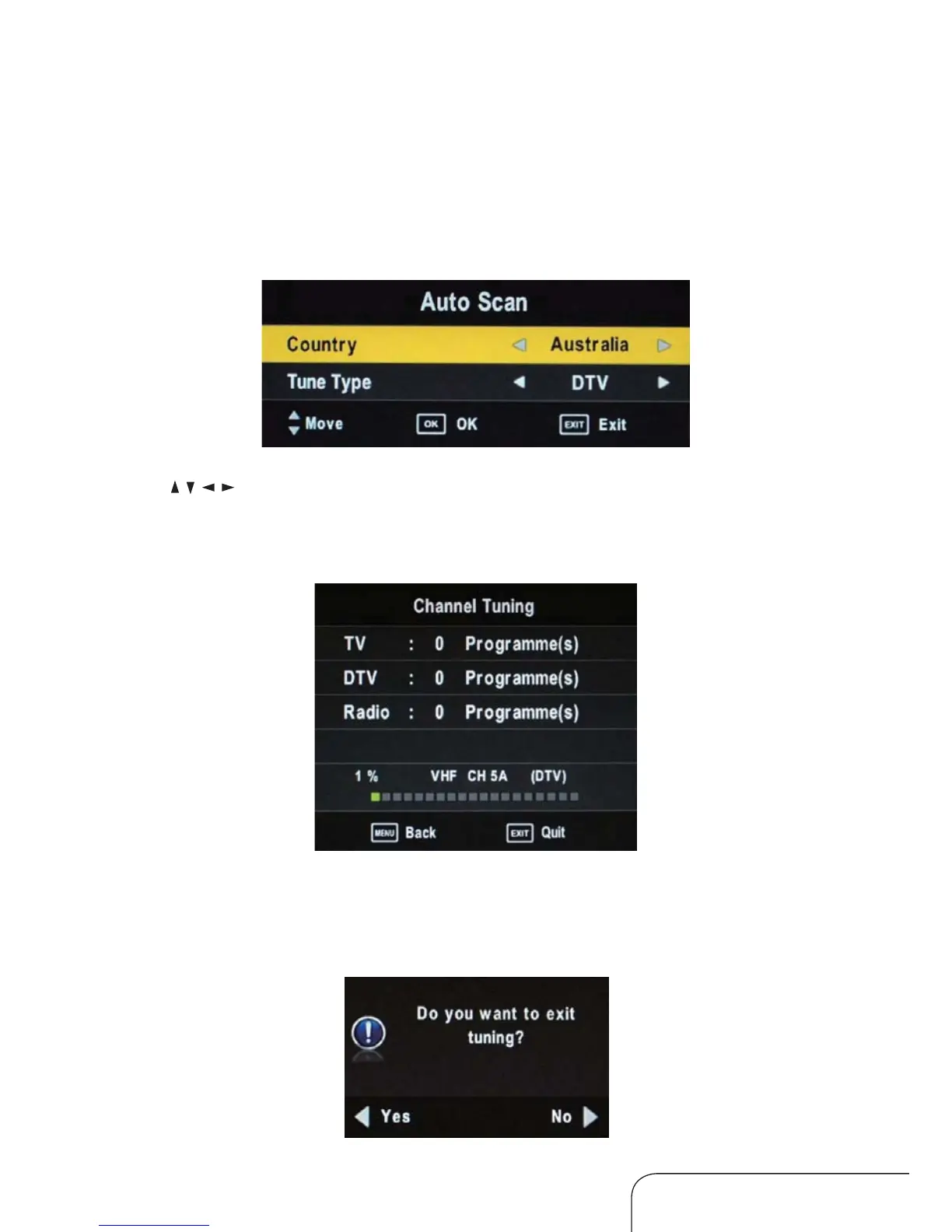
Auto Scan
In the Auto Scan submenu you can select your country and the tune type:
DTV+ATV, DTV only and ATV only.
Press
/ / / to make your selection, then press ENTER to start scanning.
When DTV+ATV is selected, half the scanning is for analog TV channels and
the other half for digital channels.
When ATV tuning, you can press EXIT to skip ATV tuning and start DTV
tuning, as below:
Operating the menus (Cont.)



 To Next Page