Customer Help Line
TEL: 1300 886 649
21
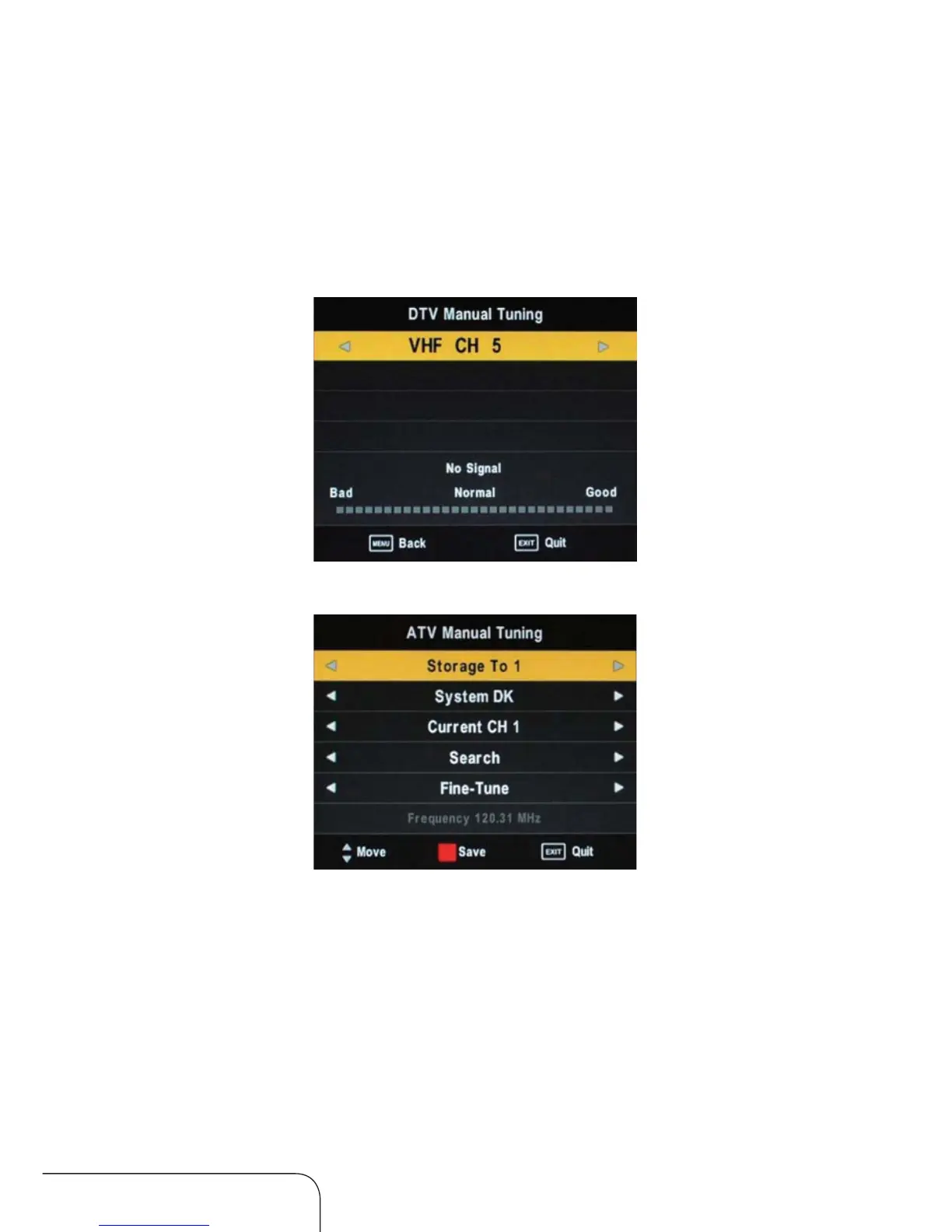
DTV Manual Tuning
1. Use the left/right navigation keys to select a channel, then press ENTER to
conrm if any signal strength shows.
2. Press ENTER to conrm tuning (only in DTV mode).
ATV Manual Tuning
Storage To: Select a position (from 1 to 100) to store the channel.
System: Default option depends on country selection, you can select BG,
DK, I and L. Select BG for Australia.
Current CH: Select a channel (from 1 to 100) you want to tune.
Search: Use the arrow keys to commence the search.
Fine-Tune:Select to ne-tune manually.
Frequency: Displays the current frequency following searching or ne-tuning.
NOTE: After manual tuning you must press the red key for storage, other-
wise your tuned channels will not be stored when changing the
mode.
Operating the menus (Cont.)



 To Next Page