Customer Help Line
TEL: 1300 886 649
24
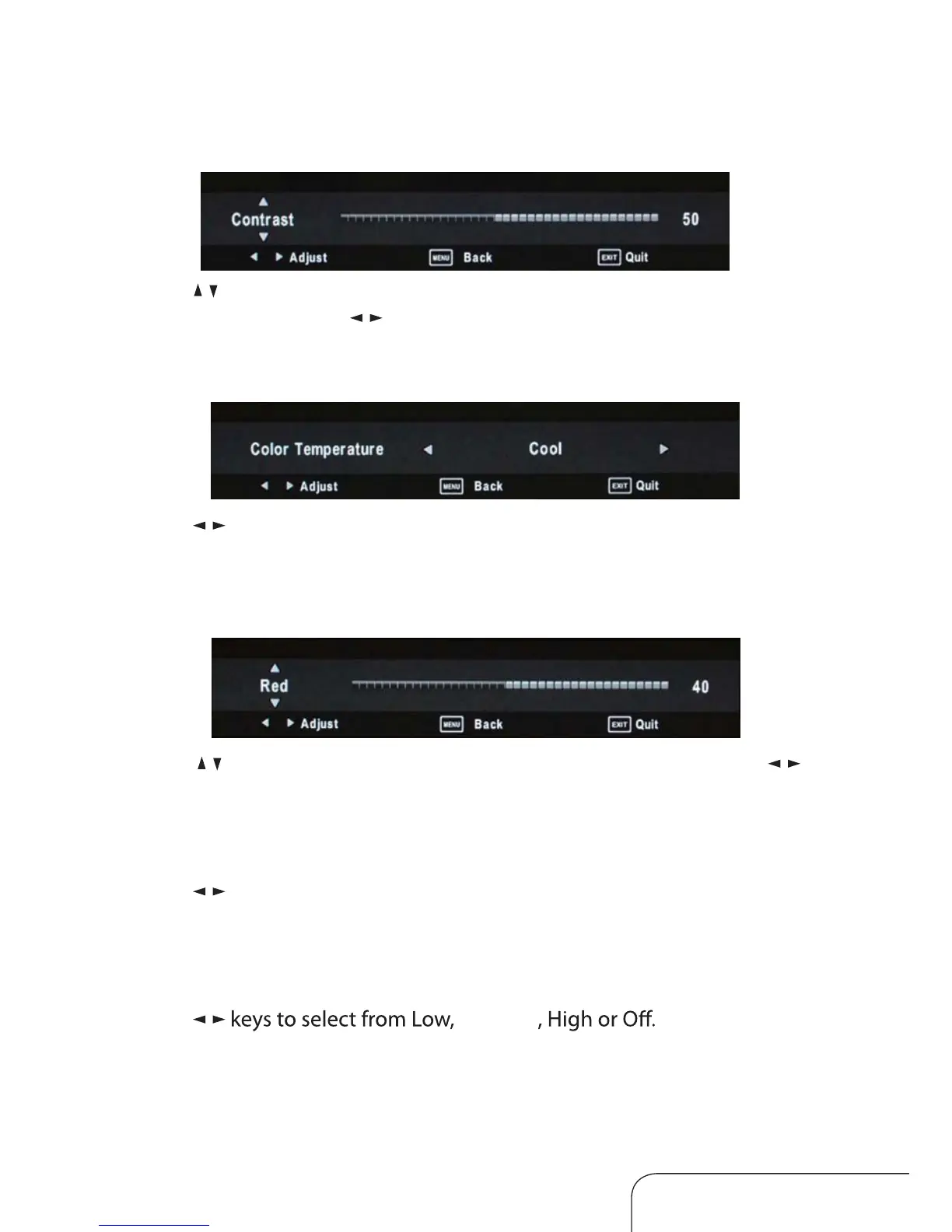
Contrast / Brightness / Colour / Sharpness
Use the / keys to switch between contrast, brightness, colour and
sharpness, then use the / keys to adjust the values.
Red / Green / Blue
Use the / keys to switch between red, green and blue, then use the /
keys to adjust the value.
Aspect Ratio
Use the / keys to select your desired aspect ratio, you can choose from
16:9, ZOOM1, ZOOM2, 4:3 and Auto.
Noise Reduction
Use the /
Colour Temperature
Use the / keys to adjust the value, you can selec t Normal, Cool, Warm or
User.
Operating the menus (Cont.)
Medium



 To Next Page