Customer Help Line
TEL: 1300 886 649
35
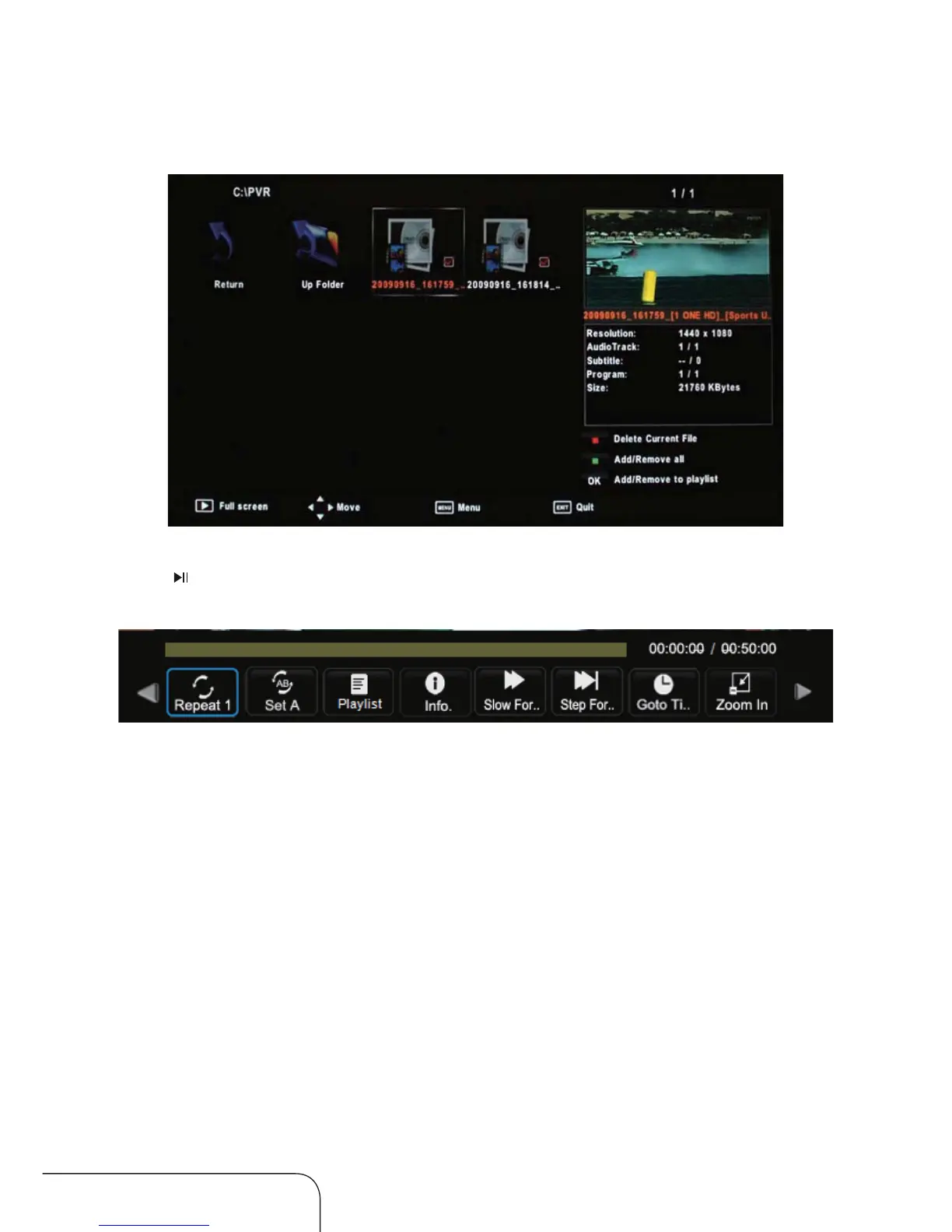
In the Movie submenu, your movie will be displayed in a preview frame.
Press to display it in full screen mode, press OK again for more options,
as below:
Repeat: Choose between Repeat 1, Repeat All, Repeat none.
Set A: Choose this function to repeat playback of a certain section (A-B).
Playlist: Press OK to display the playlist.
Info: Press OK to display the information about the movie.
Slow forward: Press OK to play the movie/go forward
with slow speed.
Stepforward: Press OK to play the movie/go forward in steps.
Zoom In/Out: Press OK to zoom out of the display, or to zoom in on it.
Move View: Use this to move the display if the movie is too big for the
screen.
Movie subme
nu
Operating the menus (Cont.)
Go To: Use number(0,1-9) buttons to adjust the numbers.



 To Next Page