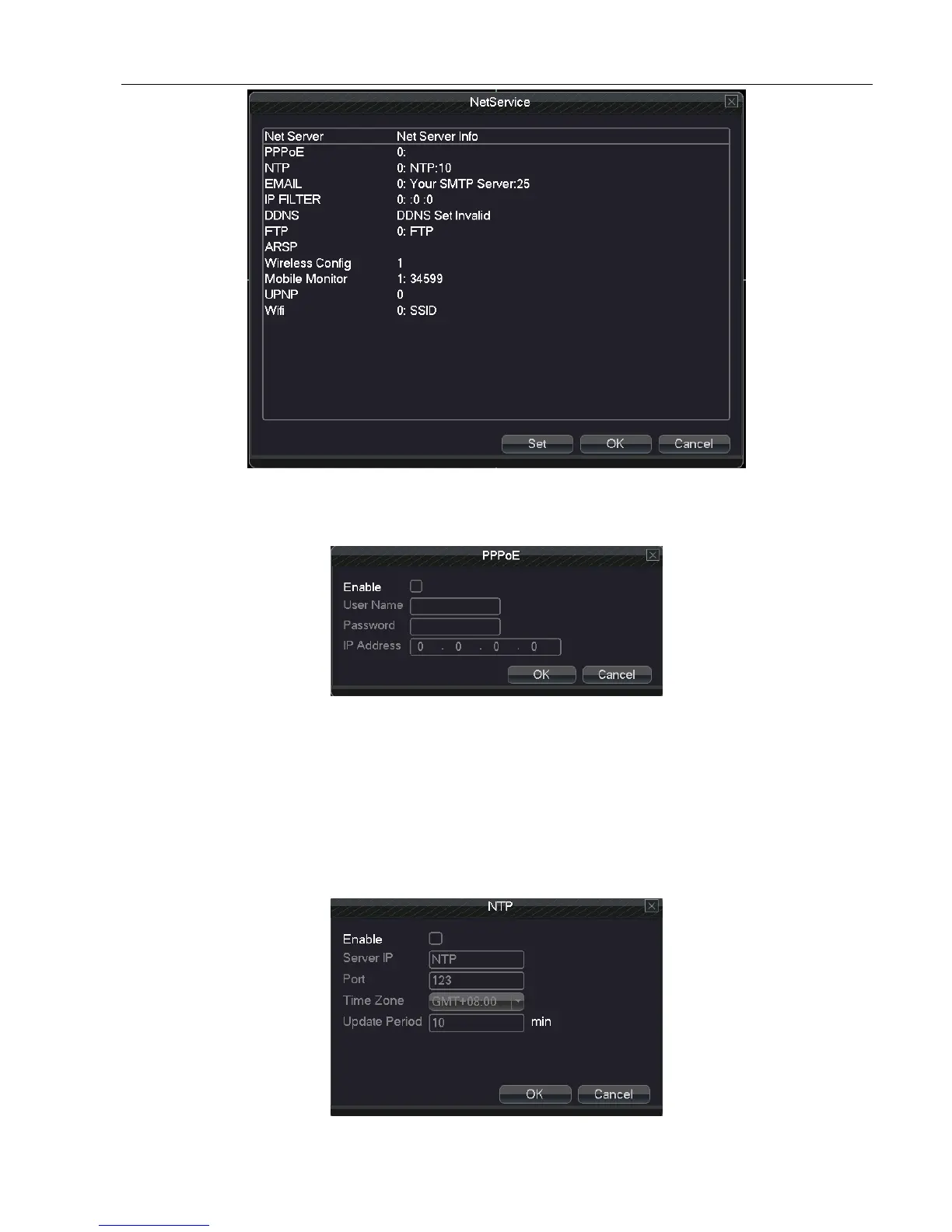
5.3.1 Network Service
【PPPoE setup】
5.3.2 PPPOE
Input the user name and password that ISP(Internet service provider)provides. After saving it reboot up your
system. Then the DVR will build a network connection based on PPPoE. The IP address will change into dynamic IP
address after above operation is well done.
Operation:After PPPoE dialing successfully,please look up the IP address in the IP address and obtain the current
IP address. Then use this IP address to visit the DVR through user port or browser.
【NTP setup】



 To Next Page