sure the lowest network delay and file loss rate minimum.
1.3Intelligent network QOS strategy, to bring fluent user experience.
Completely new and upgraded network QOS calculate rule, which can intelligently and automatically adapt to current
network situation. Combined with the dual stream technology, can smoothly transmit video image in very low
network bandwidth (less than 128kbps) condition, bring the perfect user experience.
1.4. Economic benefits, cost reduction:
More and more original DDNS free of charge carriers, no longer offer free domain name service, so cloud technology
presented no domain concept, customers are not required to register the DDNS domain name, just use the unique
series number of the device can use the cloud services platform.
1.5. All network interworking:
Solve for dial-up access to IP which is the operator network address and WAN cannot access problems.
2、WAN remote access & Cloud technology use
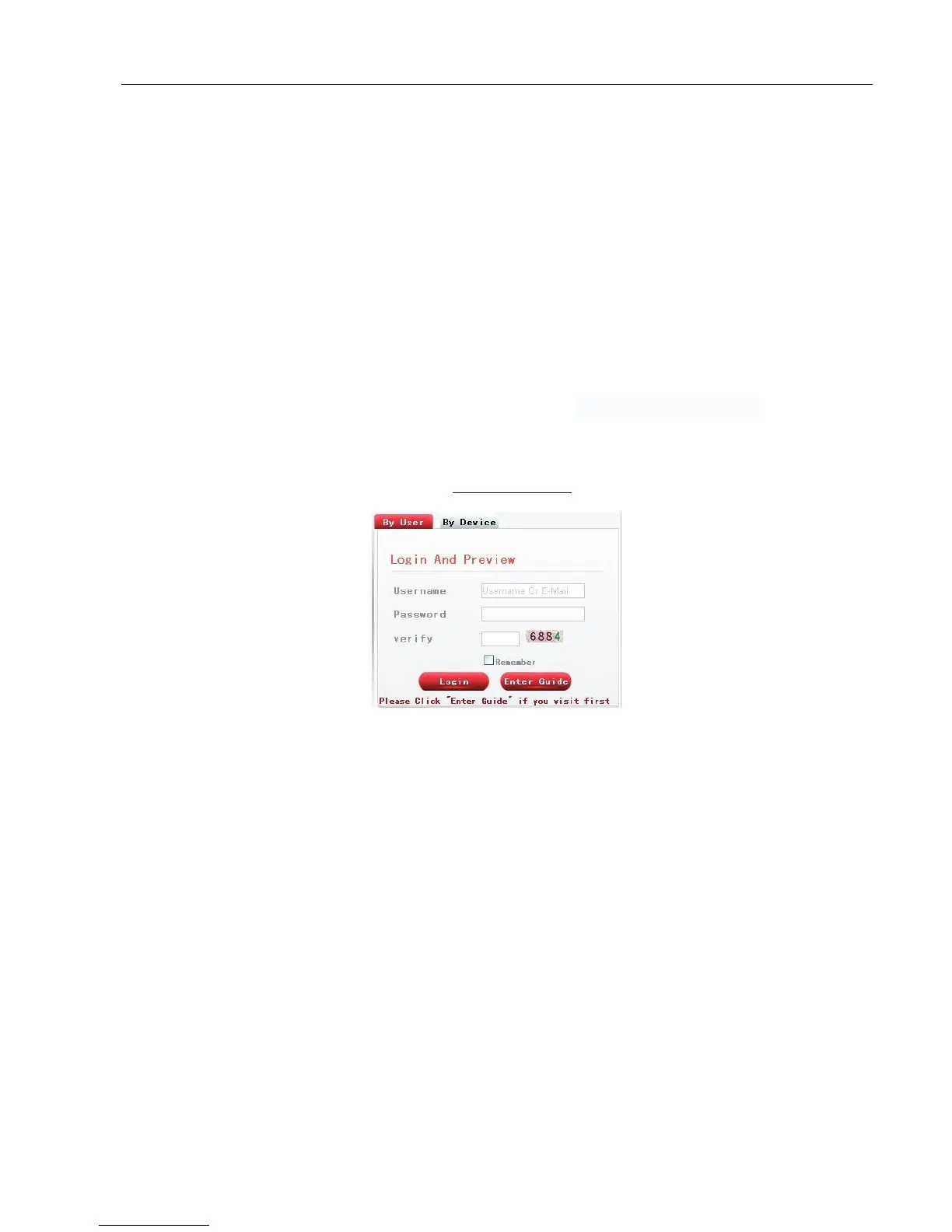
Open web browser, enter cloud access website: www.dvrcenter.net . Login interface as picture 6.3:
Picture 6.3 login
There are two ways to remote control the device with cloud technology:
2.1 SerialNo.: enter SerialNo of DVR can realize remote access (way to get SerialNo: start up and choose “desktop
shortcut menu” “info” “version”)
2.2 User: need to register a user name, and then enter the user name and password to login; need to add the device
after login (enter “device management” page can finish adding device); after finish adding device, the added device will
appear in the left column of “my devices”. Click on the current equipment for preview, playback, configuration and
operation



 To Next Page