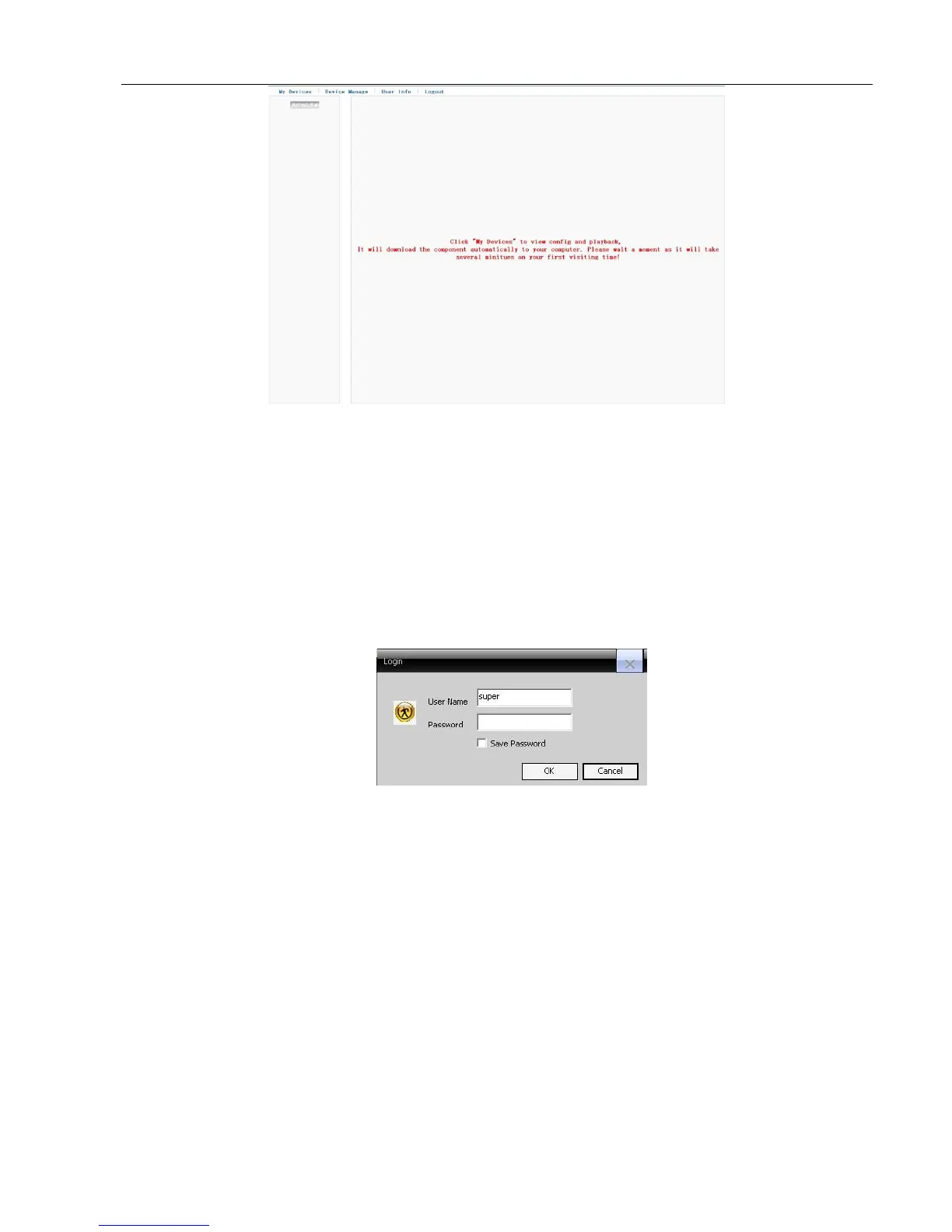
Picture 6.4 Remote operation
6.3 Client CMS software operation
CMS software is used on the same PC, support control multiple DVRs at the same time.
Please take out the CD-ROM in the accessories, copy the CMS installation software in the CD-ROM After
installation on the local PC, double click the “CMS”, open the control interface appears in Picture 6.5, default without
password, the client can set the login password (Note: The password is password of CMS client, non-DVR login
password).
Picture 6.5 CMS login
After enter into CMS interface, shown in Picture 6.6:



 To Next Page