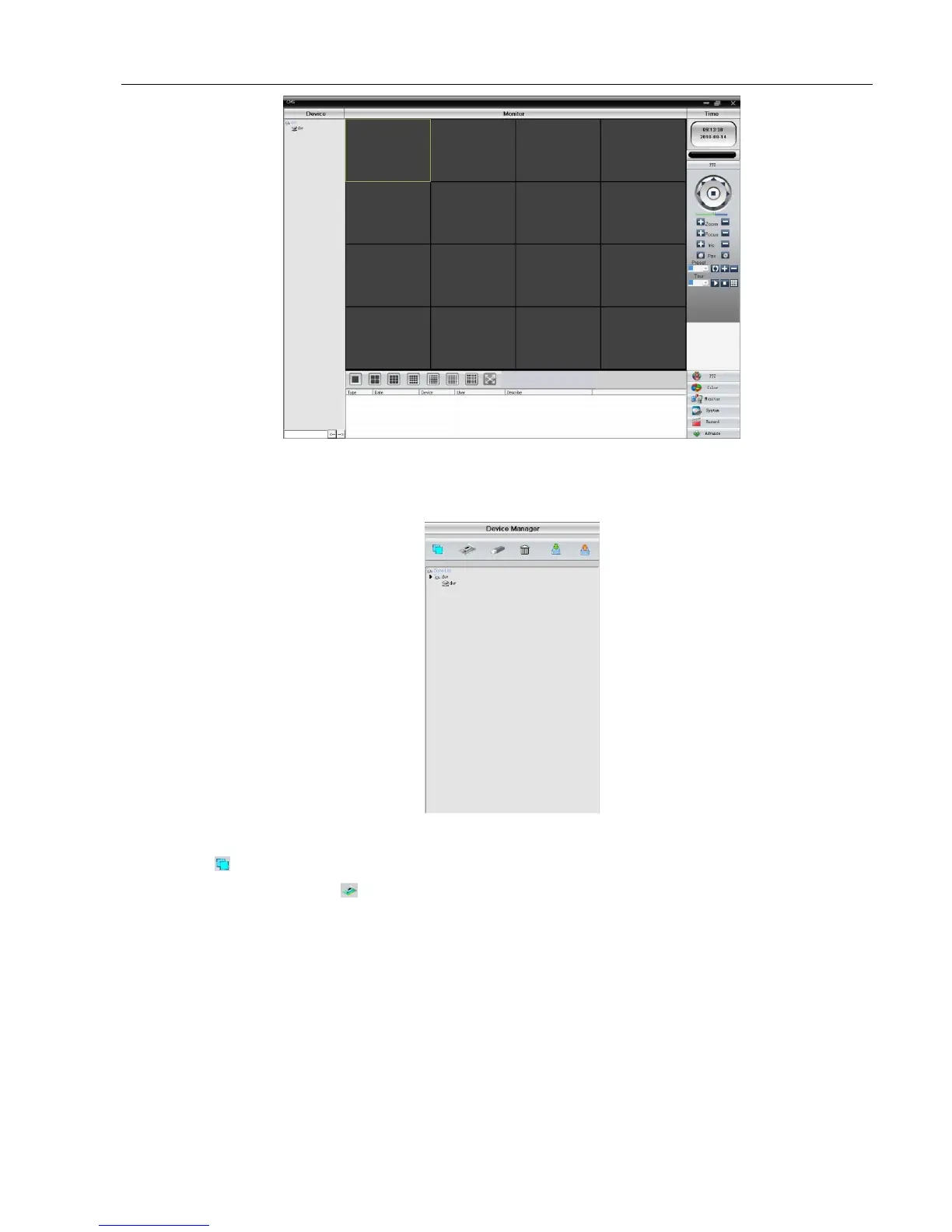
Picture 6.6 CMS control interface
Click the right corner of “System” settings, switch to the control of management options as below:
Picture 6.7 manage
First click to add a domain, region name are free to take, after determining the list of selected regional areas to
create a domain name, select add device as shown below:



 To Next Page