Chapter 8, Records 137
Haemonetics
®
Cell Saver
®
Elite
®
User Manual P/N 120745-IE, Manual revision: AA
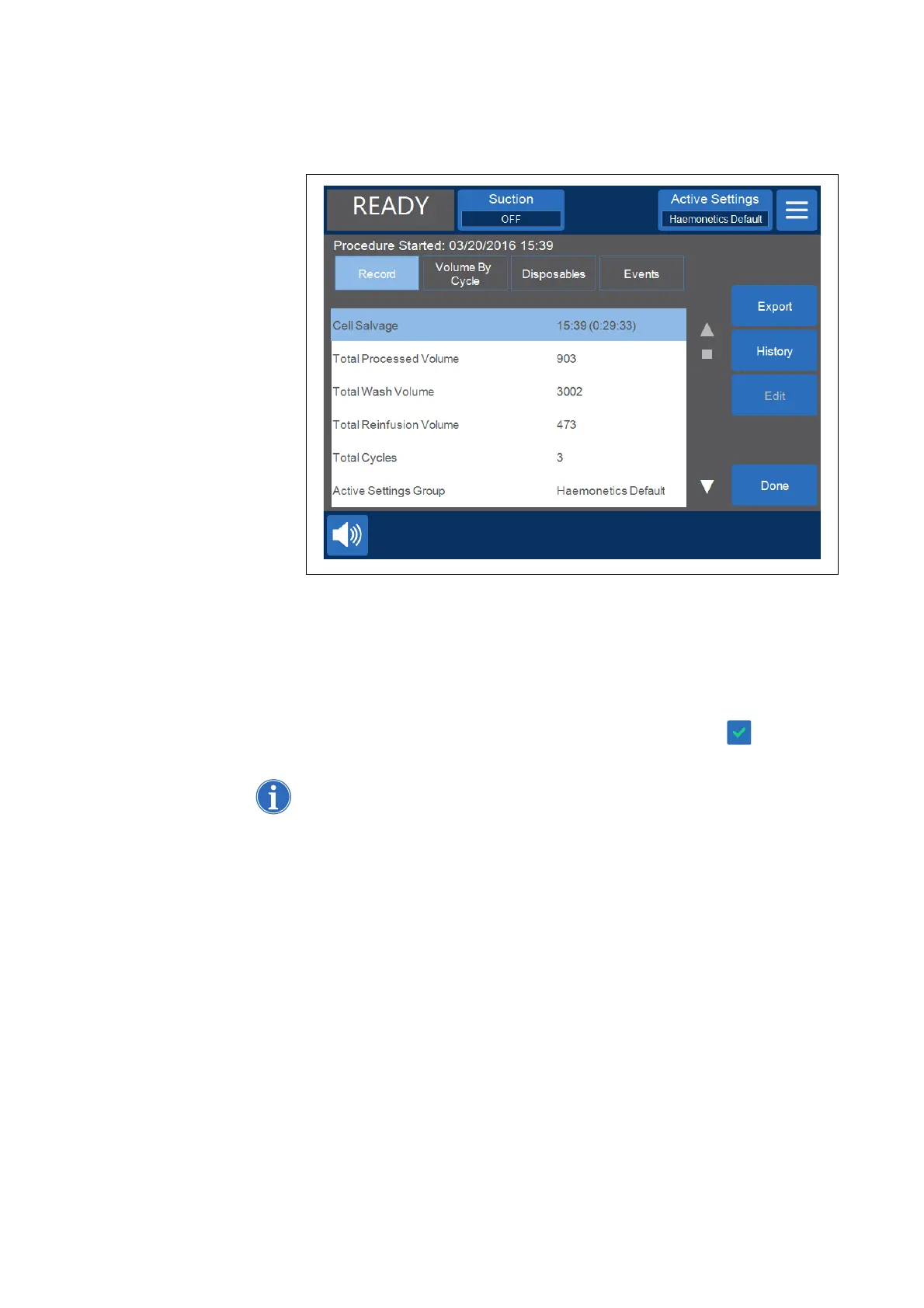
Figure 68, Example of the Record tab
Editing Procedure Details
To enter/edit procedure details:
1. Select the field and touch Edit.
2. Depending on the field selected, a keyboard or a list of pre-configured
options appears. Either type in the information and touch (Accept) to
save, or select an option from the list.
Note: If any IDs have barcodes, you can scan them using the barcode reader
instead of manually entering the information.
Volume By
Cycle Tab
The Volume By Cycle tab displays procedure statistics by cycle, including
processed volume, wash volume, reinfusion volume, concentrate volume, and
for Sequestration PPP and PRP volume.



 To Next Page