Chapter 11, Troubleshooting 161
Haemonetics
®
Cell Saver
®
Elite
®
User Manual P/N 120745-IE, Manual revision: AA
Touch Screen
Problems
Device Cover
Problems
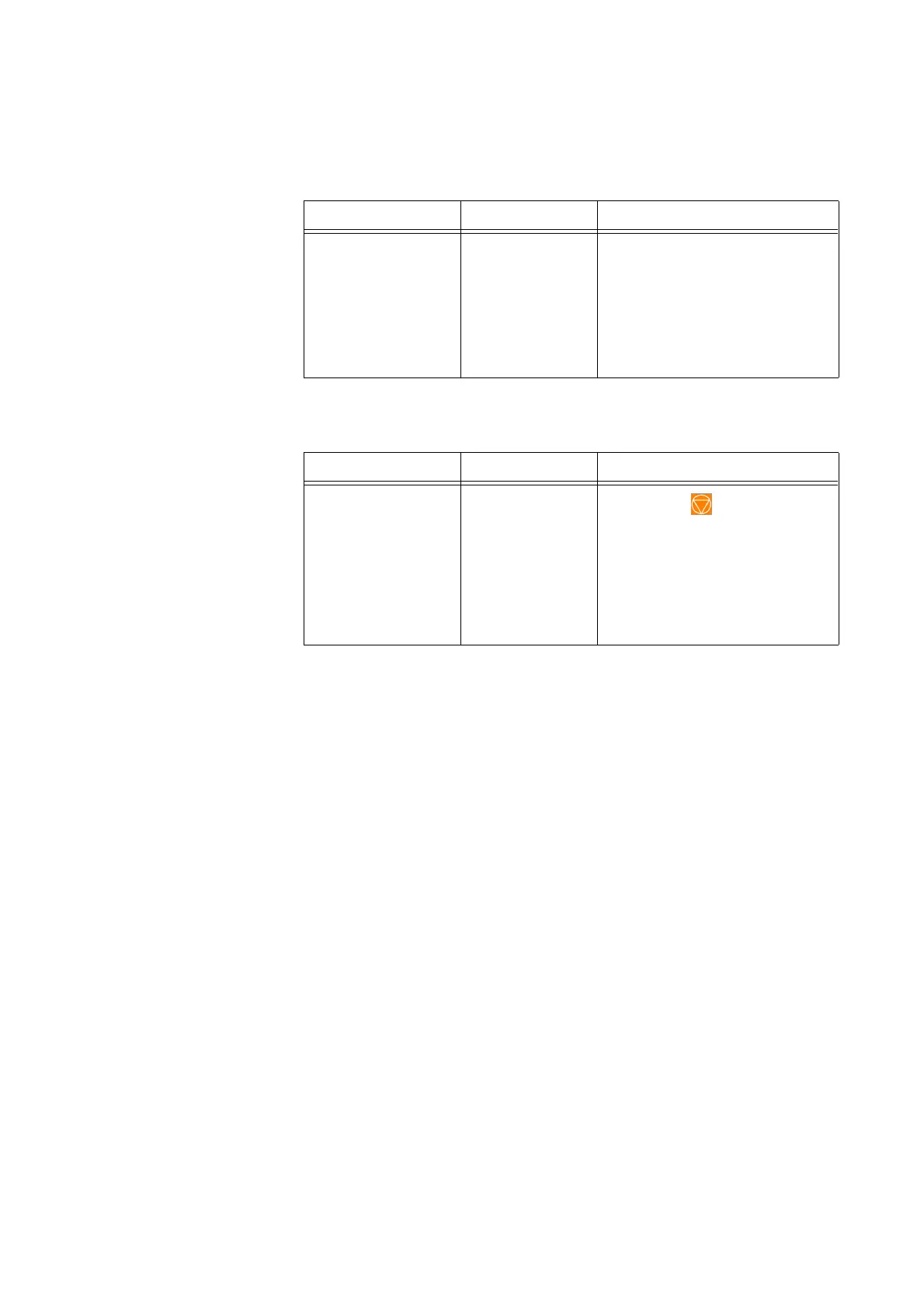
Table 14, Troubleshooting
Problem Possible Cause Corrective Action
The screen appears
to be frozen.
The screen has
locked up and is
not responding
when touched.
1. Restart the device.
2. Upon restarting the device,
you are presented with the
option to continue with the
previous procedure or to start
a new procedure. Select the
desired option.
Table 15, Troubleshooting
Problem Possible Cause Corrective Action
The device cover
does not unlock.
On rare
occasions, the
device cover
does not unlock
when expected
after an event
message
appears.
1. Press the (Stop) key
located on the device display.
The device cover unlocks.
2. Resolve any issue reported by
the event message.



 To Next Page