Chapter 2, Equipment Description 45
Haemonetics
®
Cell Saver
®
Elite
®
User Manual P/N 120745-IE, Manual revision: AA
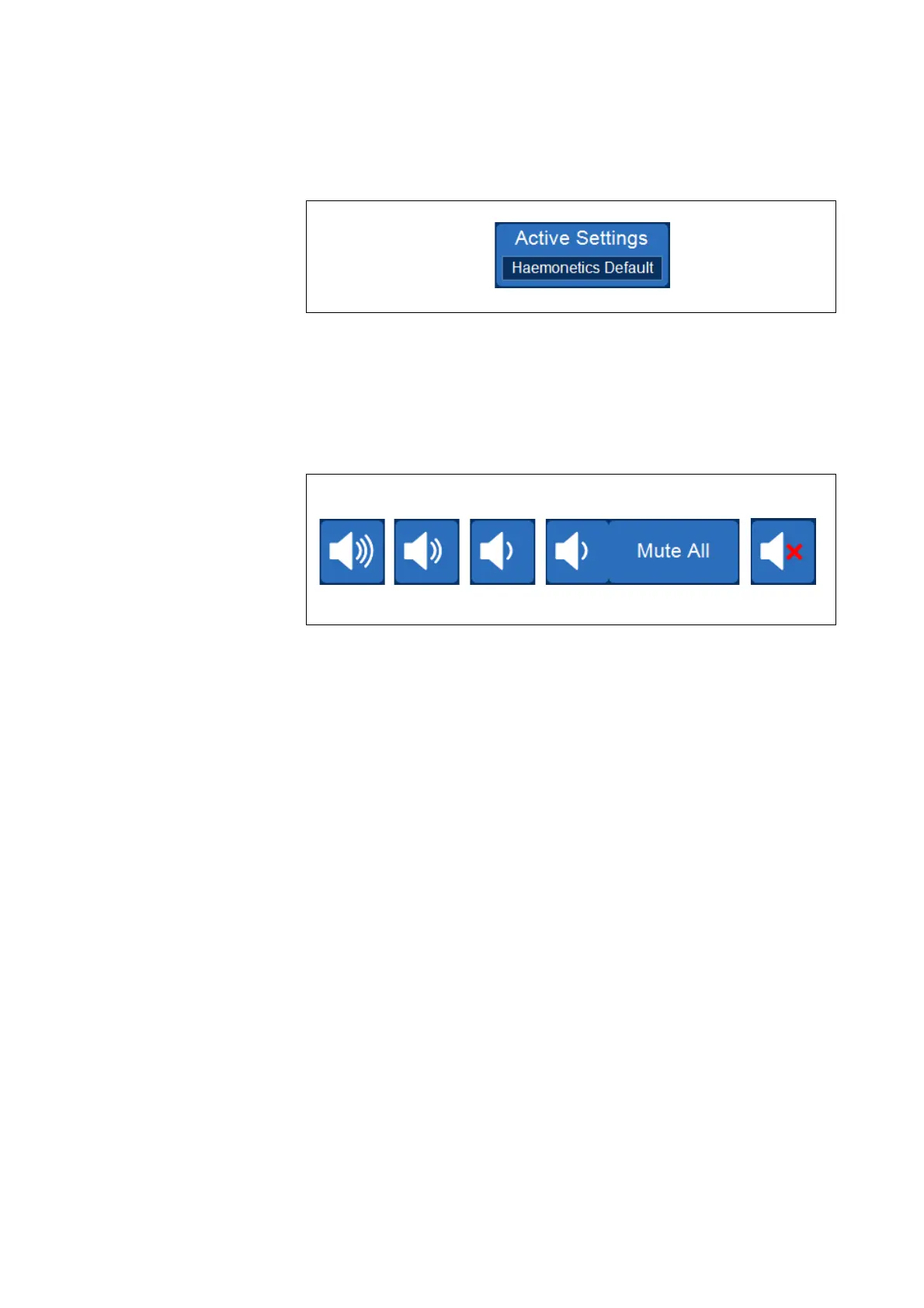
Active Settings Pad
Figure 19, Example of the Active Settings pad
The Active Settings pad displays the current settings group selection. To
change the active settings group, touch Active Settings and select a different
settings group from the drop-down list.
Volume Pad
Figure 20, Stages of the Volume pad
The Volume pad controls the audible signal that sounds for any notices,
warnings, or alerts. When a red alert occurs, an audible signal sounds
continuously. You can temporarily silence the signal for that alert by touching
the Volume pad. During normal operation when no alert is occurring, you can
use the Volume pad to adjust the event volume or touch Mute All to mute the
signal for all events.



 To Next Page