Chapter 5, General Operation: Cell Salvage 93
Haemonetics
®
Cell Saver
®
Elite
®
User Manual P/N 120745-IE, Manual revision: AA
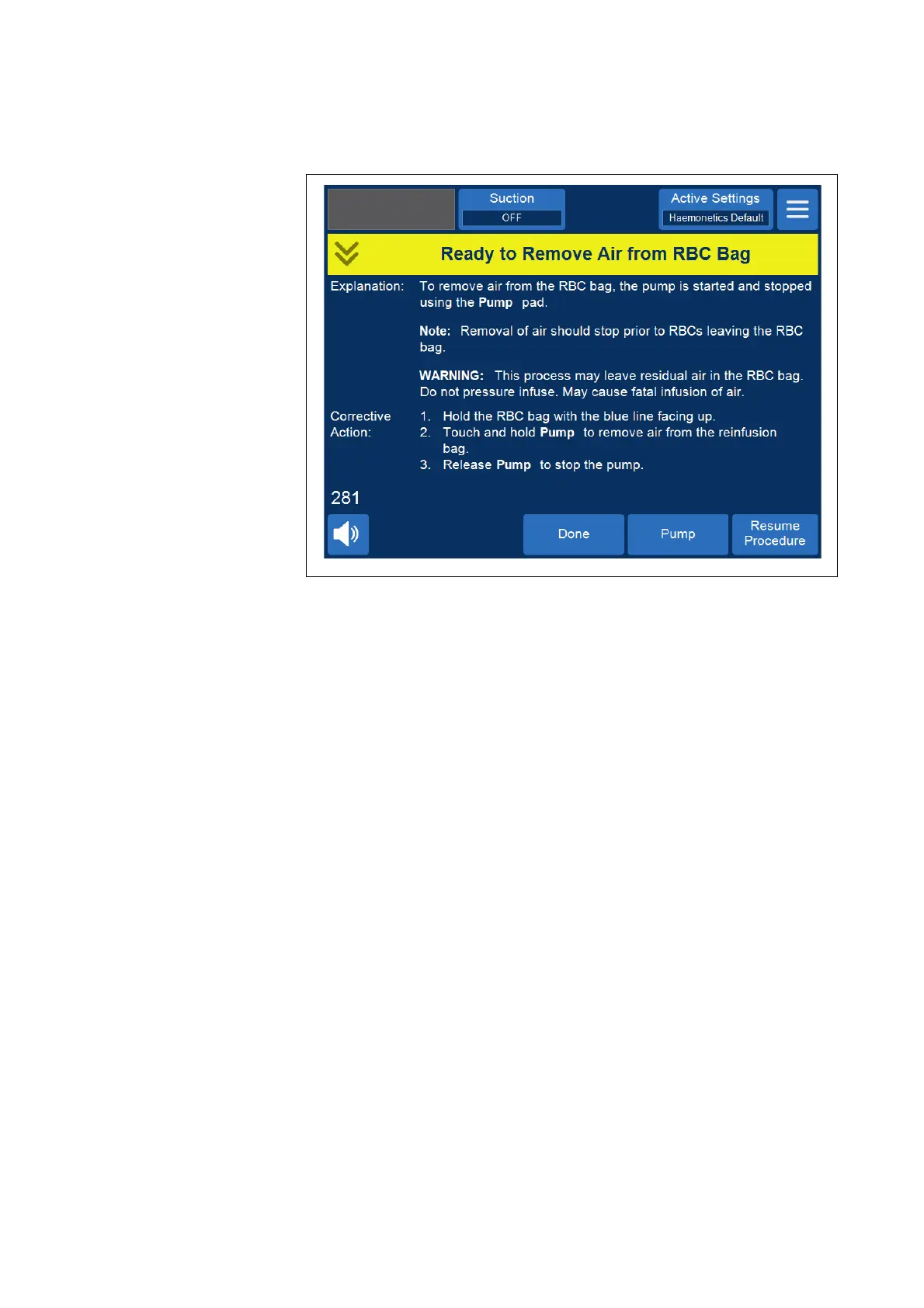
Figure 45, Example of the yellow alert message
Following the prompts on the screen,
1. Hold the RBC bag with the blue line facing up.
2. Touch and hold Pump to remove air from the RBC bag. The pump rotates
as long as you are touching Pump.
3. Release Pump to stop the pump.
4. To return to the Records screen, touch Done.
Resuming a Procedure
To resume the procedure after touching End Procedure, you can touch
Resume Procedure. The touch screen returns to the Processing screen with
the device in Standby mode. You can then choose to continue the procedure
by touching one of the phase pads. To end the procedure again, touch
Procedure Complete.



 To Next Page