67
HDE 04.10.2021 732.22.024
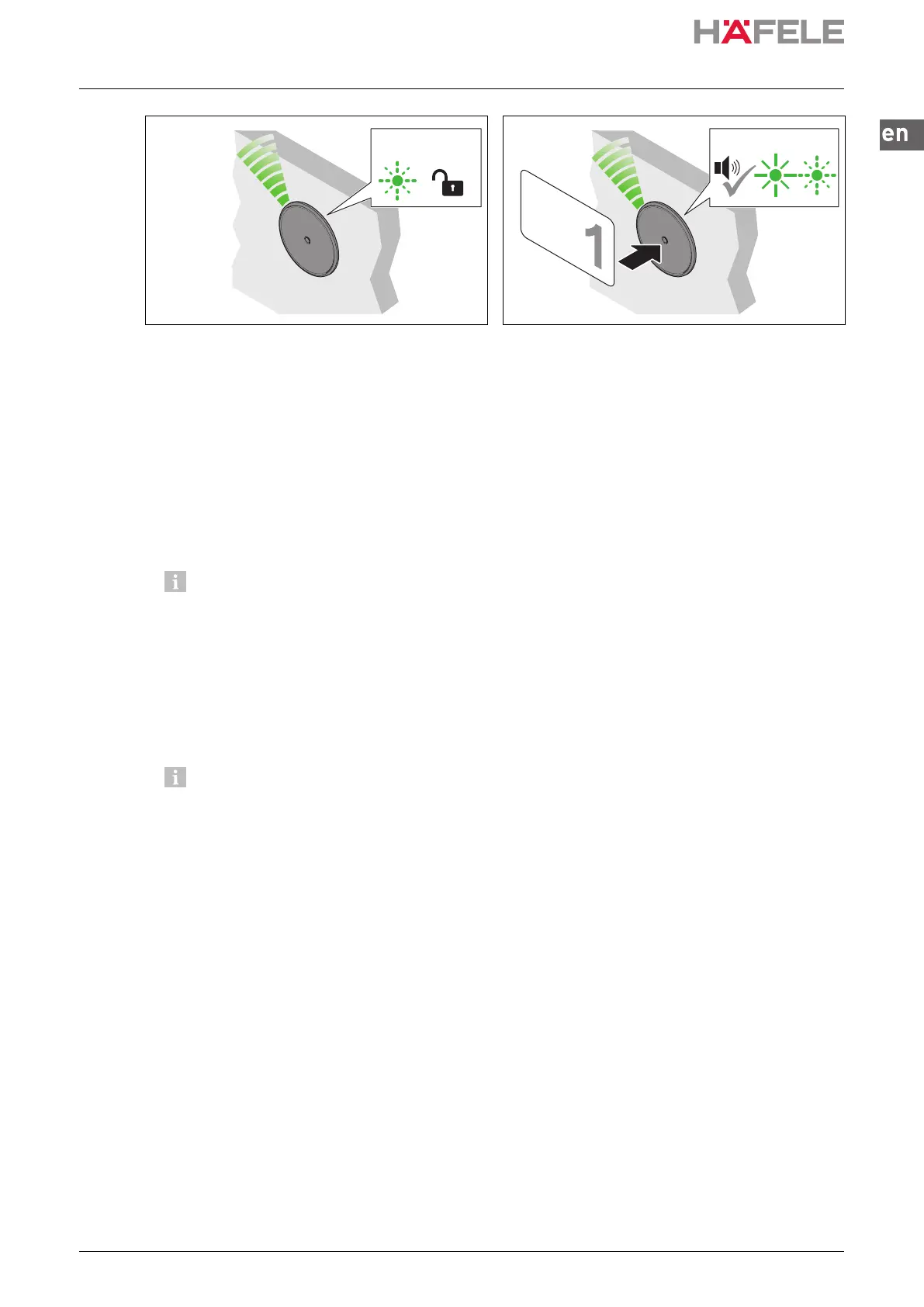
5. Remove programming key card.
The LED continues to flash in green 2x in
succession for approx. 15 seconds.
Lock 2 is unlocked.
6. Hold all user keys which are to be given the
locking authorisations for lock 2 in front of the
antenna one after another.
An acoustic signal sounds as confirmation,
and the LED briefly illuminates in green.
Lock 2 is now allocated to these user keys.
The LED continues to flash in green 2x in
succession for approx. 15 seconds.
7. Repeat steps 4 to 6 until the required user keys have been allocated to all locks.
The LED then illuminates permanently in red.
If no locking authorisation is to be allocated to a lock, the programming key card must
be presented again rather than the user key.
Each time the programming key card is presented again, the next lock is selected.
Confirmation takes place by means of appropriate flashing of the LED
(3x flashes for lock 3, 4x flashes for lock 4 etc.).
The programming key card is presented to select the required lock (max. 12).
The selected lock is allocated to the required user key with the user key.
If no programming key card or user key is presented within approx. 15 sec. during the
programming procedure, programming mode ends and the LED switches to red. If the
allocation of user keys is not yet complete, the programming procedure can be
restarted.
#22x
1 s
ins-src-732.22.024.book Seite 67 Mittwoch, 13. Oktober 2021 1:58 13


 To Next Page