Rev.7 7
INPUTS
Light # Function of Light Comments
X0
Start
Lights when the Start Button is
depressed.
If the input indicator is on at any other time, the Start Button
is faulty.
X1
Stop
Lights when all Stop Buttons
are pulled out indicating that the
machine is ready for operation.
Always use one of the Stop Buttons to stop the machine
operation. The Stop Button will prevent the machine from
stopping in the middle of a cycle. The E-Stop button will
stop the machine at the time the button is pushed.
X2
Photo Eye
Lights as the Eye Mark passes
the Photo Eye Detector.
The input indicator light on the PLC should be on when the
LED located on the Photo Eye is on.
X3
125 Wire Tie
Limit Switch
Lights when a bag is passing
through the Bag Closer and
activates the Bag Closer Limit
Switch.
The Bag Closer is jammed if the input indicator light
remains on.
The machine will shut down after 1.7 seconds and will be
prevented from restarting until the problem is resolved.
X4
Volumetric
Position
Detector
Lights only when the
Volumetric Position Detector is
activated with the rotation of
the drum.
When in the Auto Mode and the Volumetric Position
Detector has been activated, the film will advance.
X5
Vertical Seal
Limit Switch
Lights when the Vertical Heat
Sealer mechanism is in the
operating position.
The Film Feed Belts will not index the film unless this input
is on.
X6
Jog
Lights when the Jog Button is
depressed to index the film.
The Jog Button will index the film when the Mode Selector
is set to the Hand Position.
X7
Hopper Product
Detector
Lights when the Detector senses
product in the Hopper.
The input indicator light is “On” when the hopper product
level is detected by the sensor. The input must be on for the
machine to operate when in Auto Mode. The sensitivity of
the Detector can be adjusted using a small screwdriver and
turning the base counterclockwise to decrease sensitivity.
X10
Hand/Auto
Switch
Lights when the Mode Selector
Switch is in the Hand Mode and
“Off” when in the Auto Mode.
When in Auto Mode and depressing the Start Button, the
entire machine will run. When in Hand Mode and using the
Jog Button, the entire machine will run through one cycle.
X11/X12
Dump Selector
Switch
Lights on/off Inputs The Dump Selector Switch offers four selections. Each
selection represents one additional cavity of product from the
Volumetric Drum, as shown below.
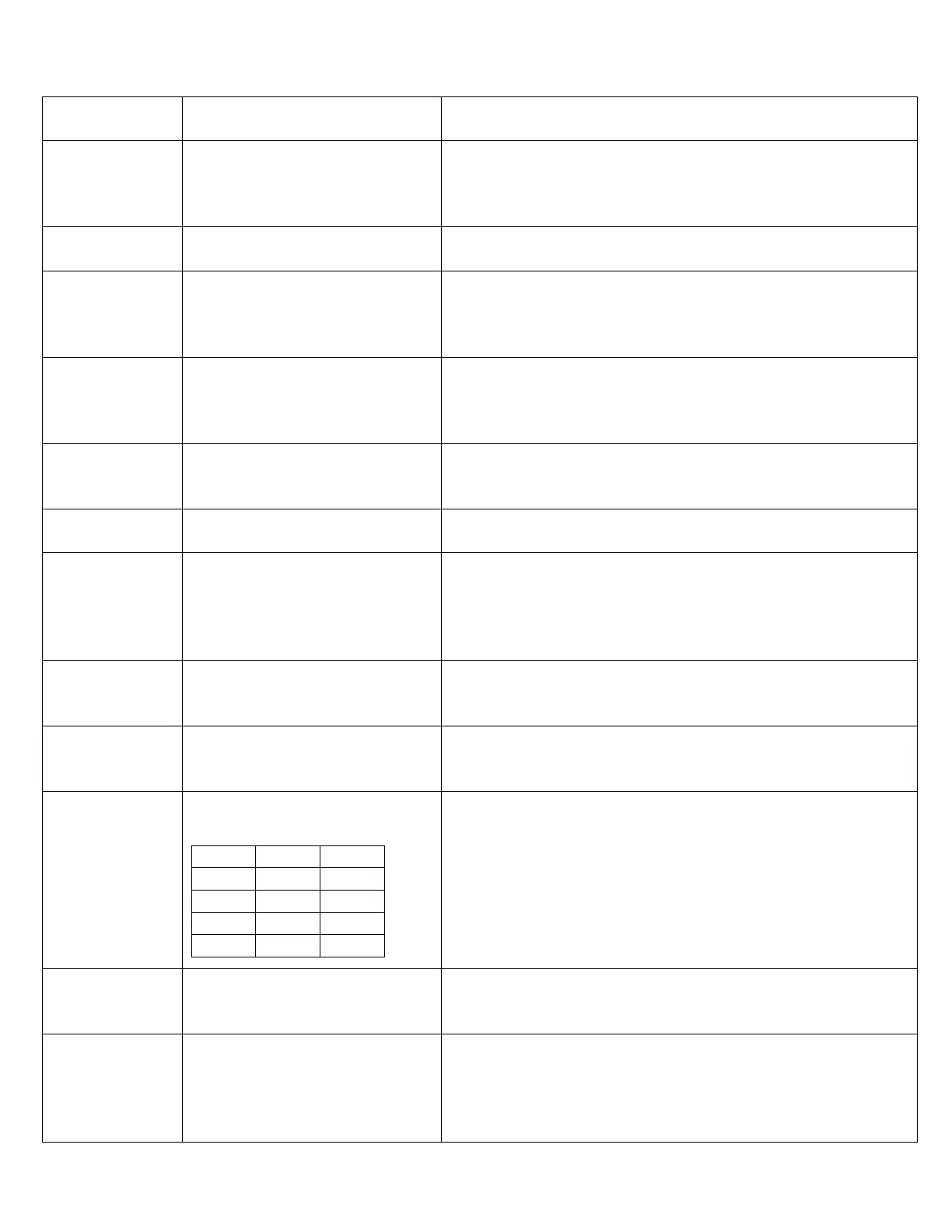
Switch
Selection
INPUTS-Key: Lights on = X
Lights off = O
X11 X12
#1 O O
#2 X O
#3 O X
#4 X X
#1 = One Dump
#2 = Two Dumps
#3 = Three Dumps
#4 = Four Dumps
X13
125 Wire Tie
Motor
Lights when the 125 Power
Switch is “On”
The machine will not operate in Auto Mode if the 125 Power
Switch is in the “Off” position. The input must be on for the
machine to operate when in the Auto Mode.
X14
Air Pressure
Switch
Lights when the air pressure is
maintained at 80 PSI.
When the main air pressure is maintained at 76 PSI or above,
the input indicator light will be on continuously. If the
pressure falls below 76 PSI, the input indicator light will turn
off, and the machine will complete one full cycle before
stopping.



 To Next Page