On
ce you have completed these settings, click activate changes to save the settings. Then click the back
button to the previous page. Continue to click Back until you are at the page you need.
Misc Messages
• Select
• Select
• Select
• Select
• Select
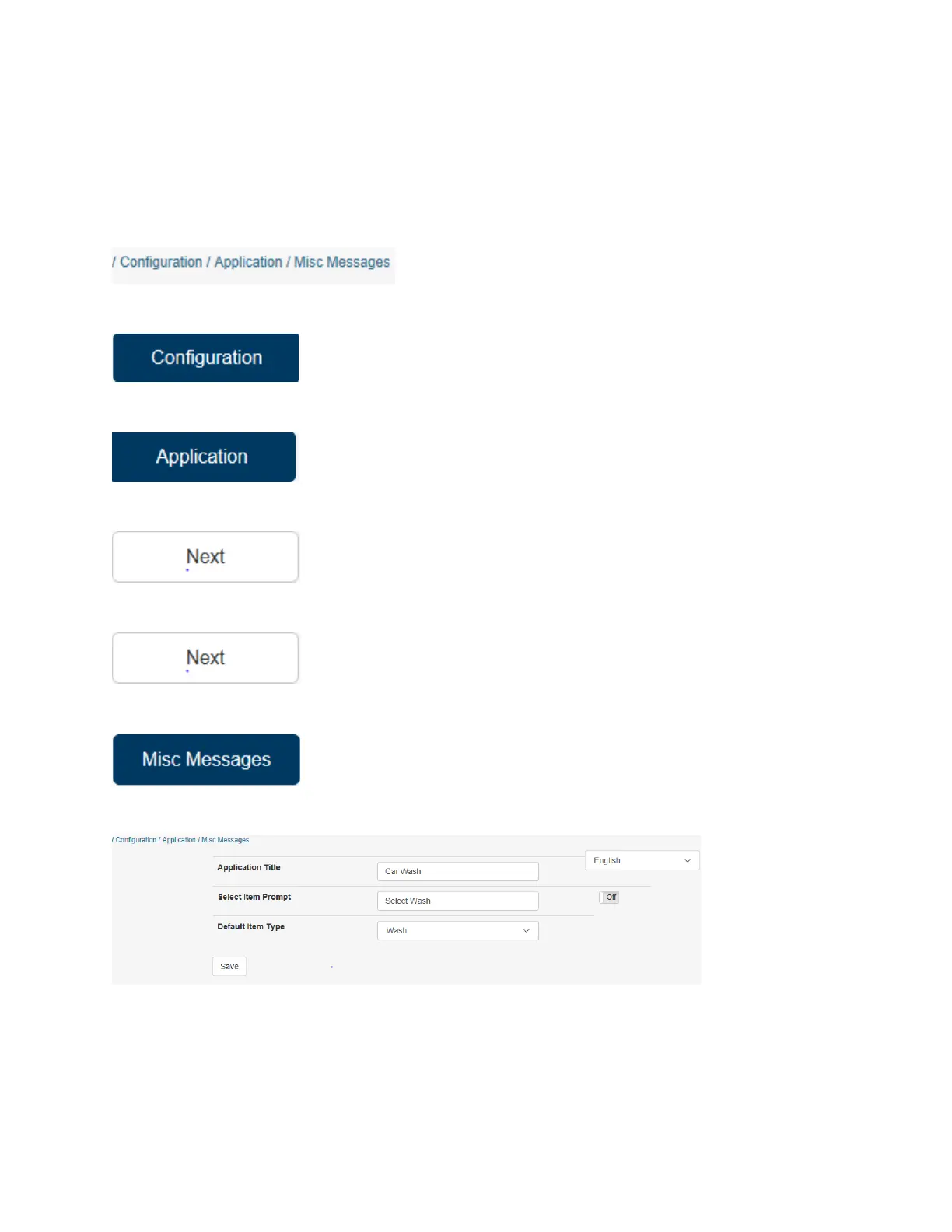
The screen should look like this:
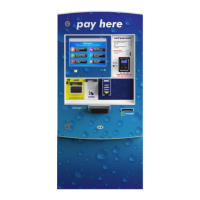
Application Title: This is the name of the HTK that will display on the upper left wash select screen.
Select Item Prompt: This is the message displayed in the banner at the top of the wash screen. To
customize this message turn OFF “Use Default” and you can type in your own message.


 To Next Page