Microlab
®
STAR User Manual
Page 54 of 225 610766/02
Microplates, tip racks, etc. are labware items and generally called “racks”. The defining files
have the extension “.rck”
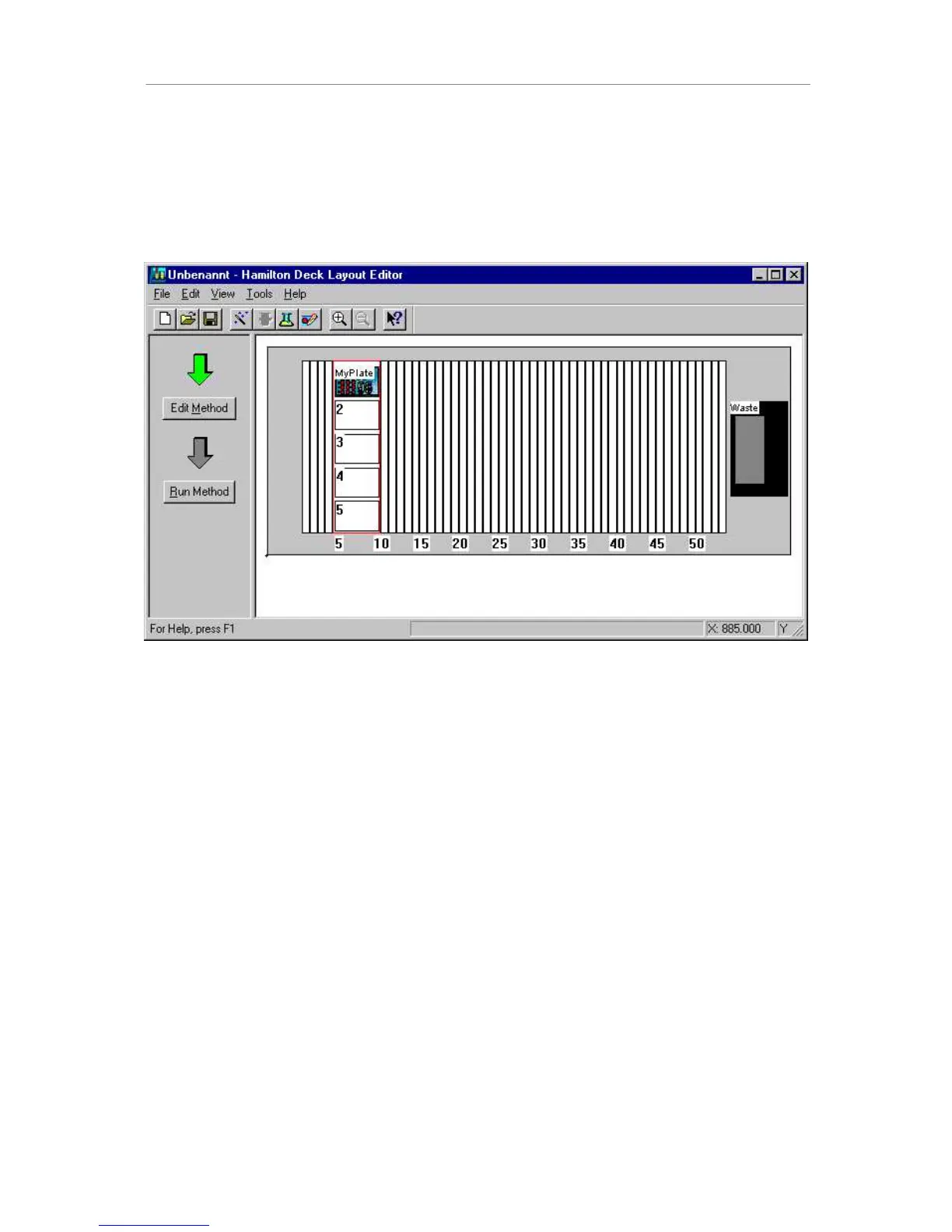
To add a plate to the carrier, double-click on the desired carrier position. Again, the “add
labware” dialog box opens. Select the Nun_96_Fl_L.rck (96-well flat-bottom Nunc plate in
landscape orientation) from the labware\nunc directory. Give a name to the plate, e.g.,
“MyPlate”.
The plate is added to the site. Plates (or labware) may be moved between sites on one
carrier by simple drag-and-drop.
Besides plate and tip carriers, tube carriers can also be placed on the deck. These carriers
are preloaded with tubes of a defined size (diameter and length). In fact, these carriers are
racks (*.rck) in contrast to the other carriers, which are carrier templates (*.tml). The tube
carriers are an example of racks which fit directly into the track grid of the Microlab STAR.



 To Next Page