Harman EASY Touch Control Owners Manual
11
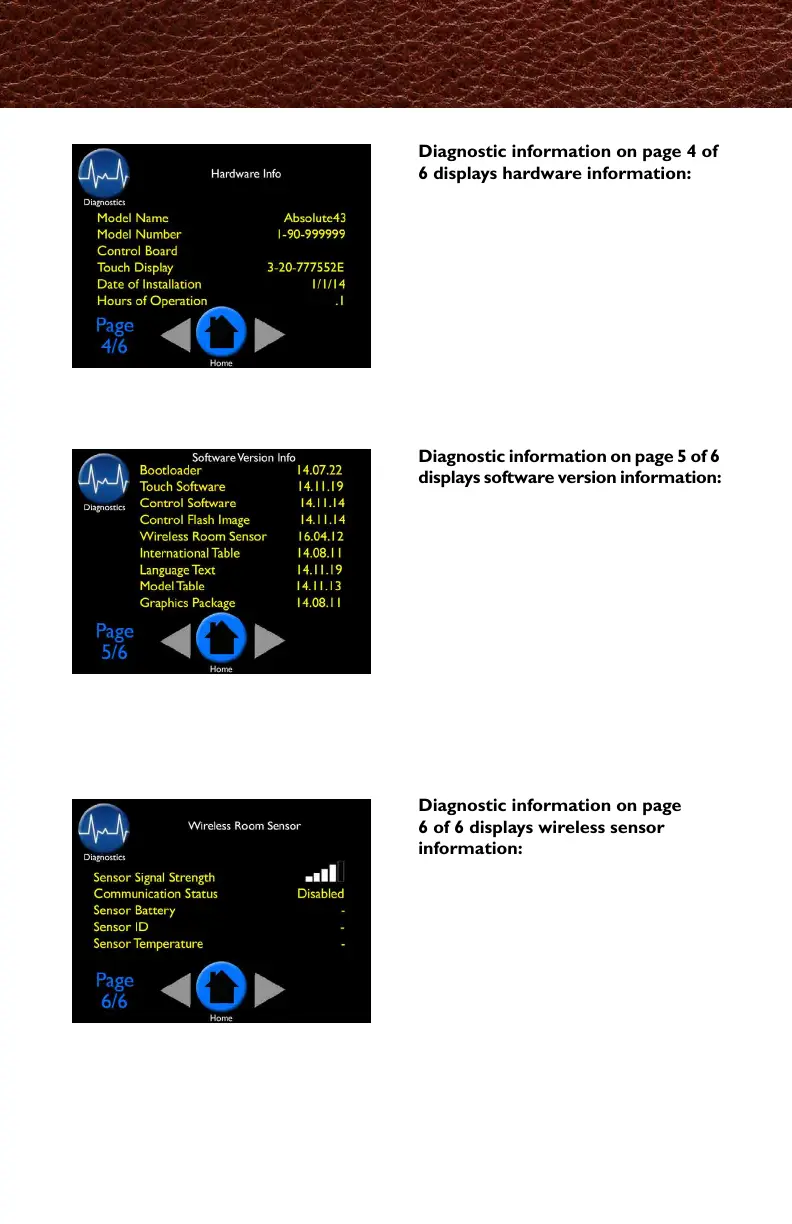
Diagnostic information on page
6 of 6 displays wireless sensor
information:
• Sensor signal strength (wireless)
• Communication status: enabled
or disabled
• Sensory battery
• Sensor ID
• Sensor temperature
Diagnostic information on page 5 of 6
displays software version information:
• Bootloader
• Touch software
• Control software
• Control ash image
• Wireless room sensor
• International table
• Language text
• Model table
• Graphics package
Diagnostic information on page 4 of
6 displays hardware information:
• Model name
• Model number
• Control board number
• Touch display
• Date of installation
• Hours of operation
Diagnostics - Pages 4, 5 & 6
燃焼診断ページ5
ソフトウェアのバージョン情報



 To Next Page