Harman EASY Touch Control Owners Manual
22
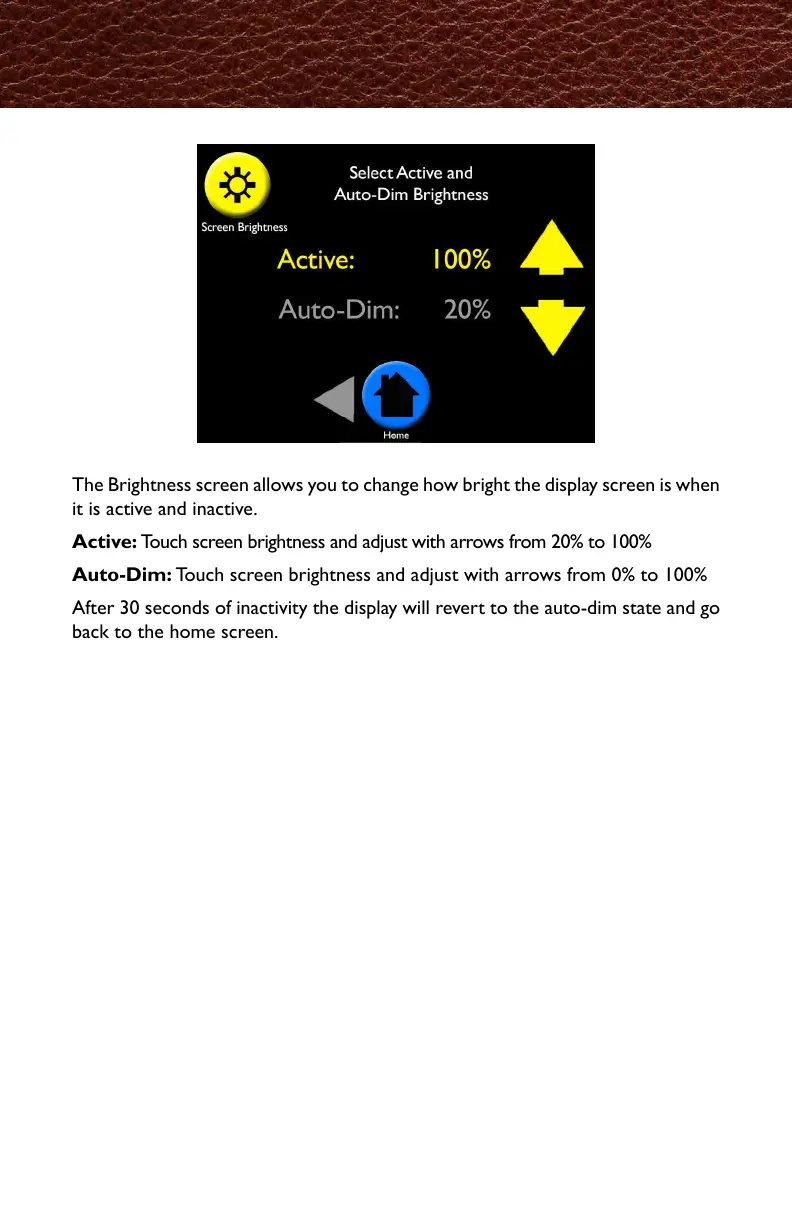
The Brightness screen allows you to change how bright the display screen is when
it is active and inactive.
Active: Touch screen brightness and adjust with arrows from 20% to 100%
Auto-Dim: Touch screen brightness and adjust with arrows from 0% to 100%
After 30 seconds of inactivity the display will revert to the auto-dim state and go
back to the home screen.
Screen Brightness
画面の明るさ調整は、画面が起動している時としていない時の画面の明るさを、好みの
明るさに設定出来ます。
Active(起動時):20%〜100%の間で、矢印をタッチして調節してください。
Auto-Dim(スリープ時):0%〜100%の間で、矢印をタッチして調節してください。
30秒間スクリーンを触らないと、スクリーンはAuto-Dimモードに変わり、ホーム画面に
戻ります。



 To Next Page