Harman EASY Touch Control Owners Manual
26
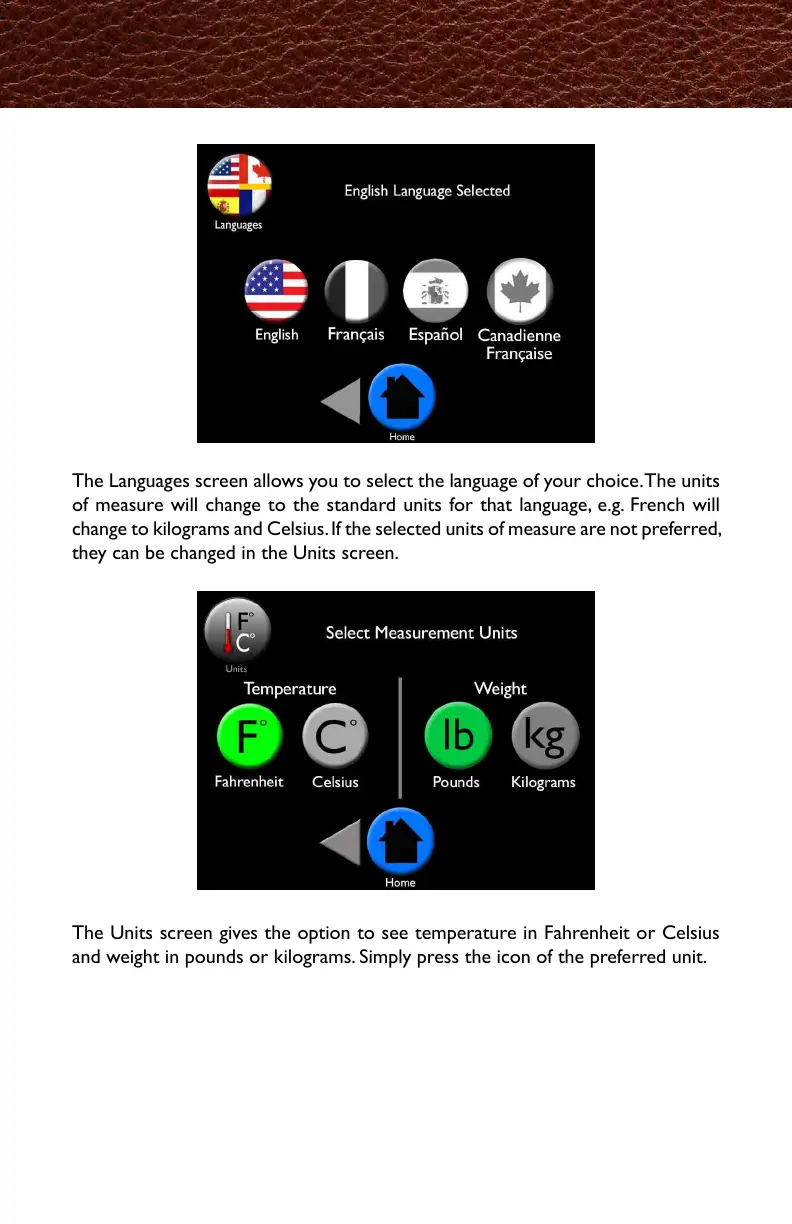
The Languages screen allows you to select the language of your choice. The units
of measure will change to the standard units for that language, e.g. French will
change to kilograms and Celsius. If the selected units of measure are not preferred,
they can be changed in the Units screen.
The Units screen gives the option to see temperature in Fahrenheit or Celsius
and weight in pounds or kilograms. Simply press the icon of the preferred unit.
Languages and Units
言語設定では、お好きな言語設定をお選びいただけます。お選びいただいた言語に合わせて、
単位も変更になります。(例:フランス語の設定では㎏と℃表示になります)
もし、選択した言語の単位が希望の物でない場合は、Unit(機器)画面から変更できます。
Unit画面から温度を℉(華氏)と℃(摂氏)から、重さをlb.(ポンド)とkg(キロ
グラム)からお選びいただけます。希望する方のボタンを押してください。



 To Next Page