Harman EASY Touch Control Owners Manual
12
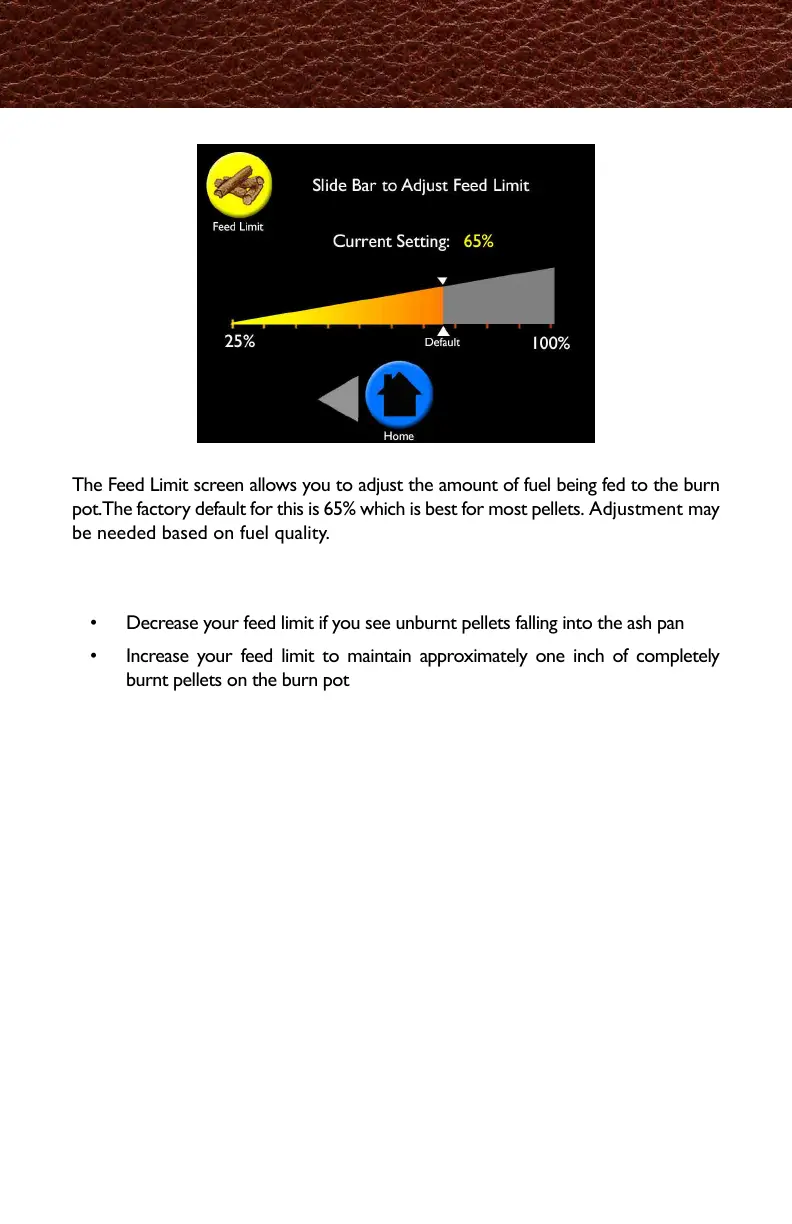
The Feed Limit screen allows you to adjust the amount of fuel being fed to the burn
pot. The factory default for this is 65% which is best for most pellets. Adjustment may
be needed based on fuel quality.
To Adjust:
• Move the slider bar by tapping or sliding it to the desired adjustment
• Decrease your feed limit if you see unburnt pellets falling into the ash pan
• Increase your feed limit to maintain approximately one inch of completely
burnt pellets on the burn pot
Feed Limit
燃料供給上限の画面では、バーンポットに(燃焼室)に供給される燃料の量を調整できます。
工場出荷時には、65%に設定されていて、これはほとんどのペレットに対して最適な量です。
燃料の質によっては調整が必要な場合があります。
・画面上のスライドバーを押すまたは左右にさせて希望の%に調整してください。
・燃え尽きていない燃料が、灰受け皿に落ちているようでしたら、上限を下げてください。
・完全燃焼し灰となった状態の奥行きが、バーンポットの先端から奥へ概ね25㎜残るように上
限を設定してください。
本体出力の運転モードで出力を最大にして、30分以上燃焼させ調整を行います。
早く燃え尽きる燃料は灰の奥行きが長くなり、燃えにくい燃料は短くなります。
同じ燃料を使用する場合は、一旦この調整を行えば再度調整する必要はありません。



 To Next Page