Harman EASY Touch Control Owners Manual
4
Your EASY Touch Control automatically runs at our factory default settings which
is the most convenient way to heat with a Harman pellet stove. Factory default
settings include but are not limited to:
• Room Sensing Mode
• Automatic Ignition
• Automatic Fan
Note:
• The rst time the unit is plugged in, you will need to choose the preferred
language, then hit the Home icon
• The temperature setting must be higher than the room temperature for
the stove to light
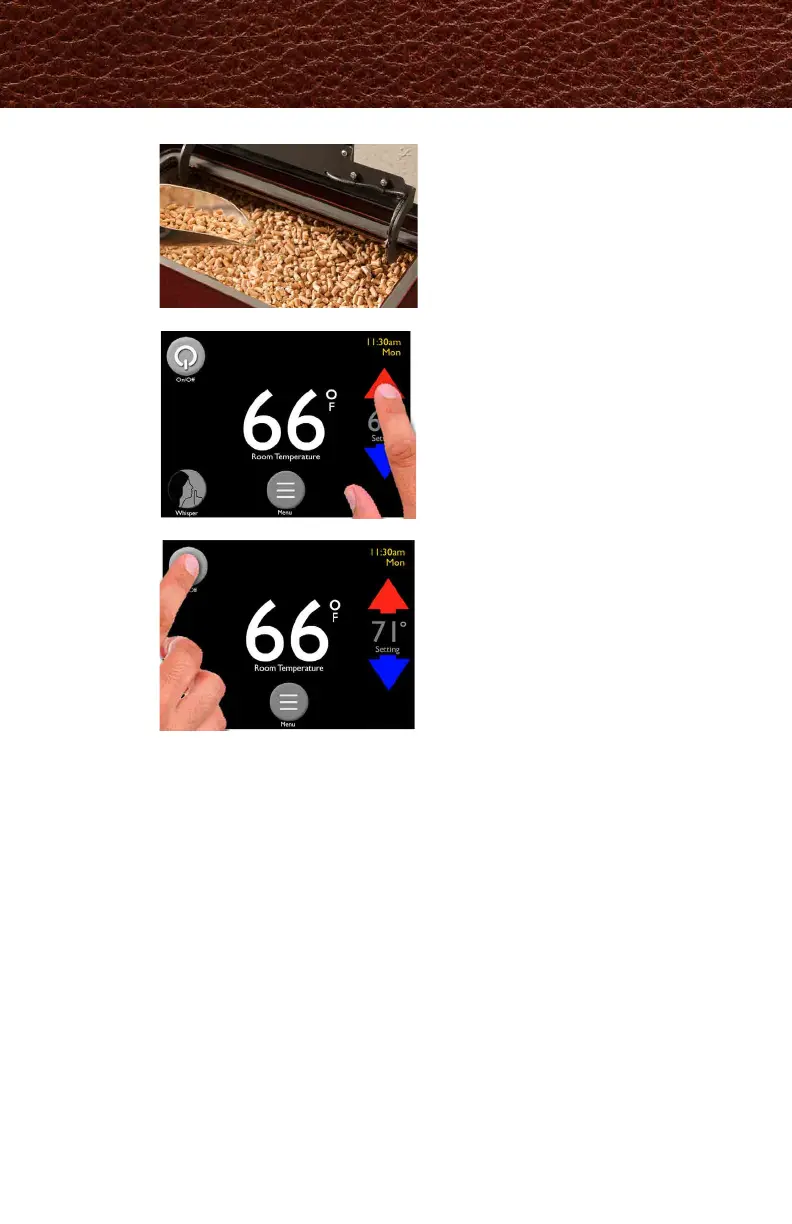
Fill the hopper with pellets
Use the up and down
arrows to set desired
room temperature
Touch the Power icon
1
2
3
Quick Start: Starting Your Pellet Stove
本機は工場出荷時の設定にて自動で作動します。
この設定は、ハーマンのペレットストーブを操作するうえで最も便利な設定になっています。
工場出荷時の初期設定には以下が含まれますが、この限りではありません。
ストーブを点火させるためには、設定温度を室温より高く設定する必要があります。
最初に電源を入れた際に、好みの言語設定(英語)を選んでください。
その後、ホーム画面が開きます。
①日時設定を行います。23ページ参照
②単位を℃、㎏に変更します。26ページ参照
希望する室温を、赤/青の矢印を
タッチして調整します。



 To Next Page