Harman EASY Touch Control Owners Manual
37
Software Updates Cont.
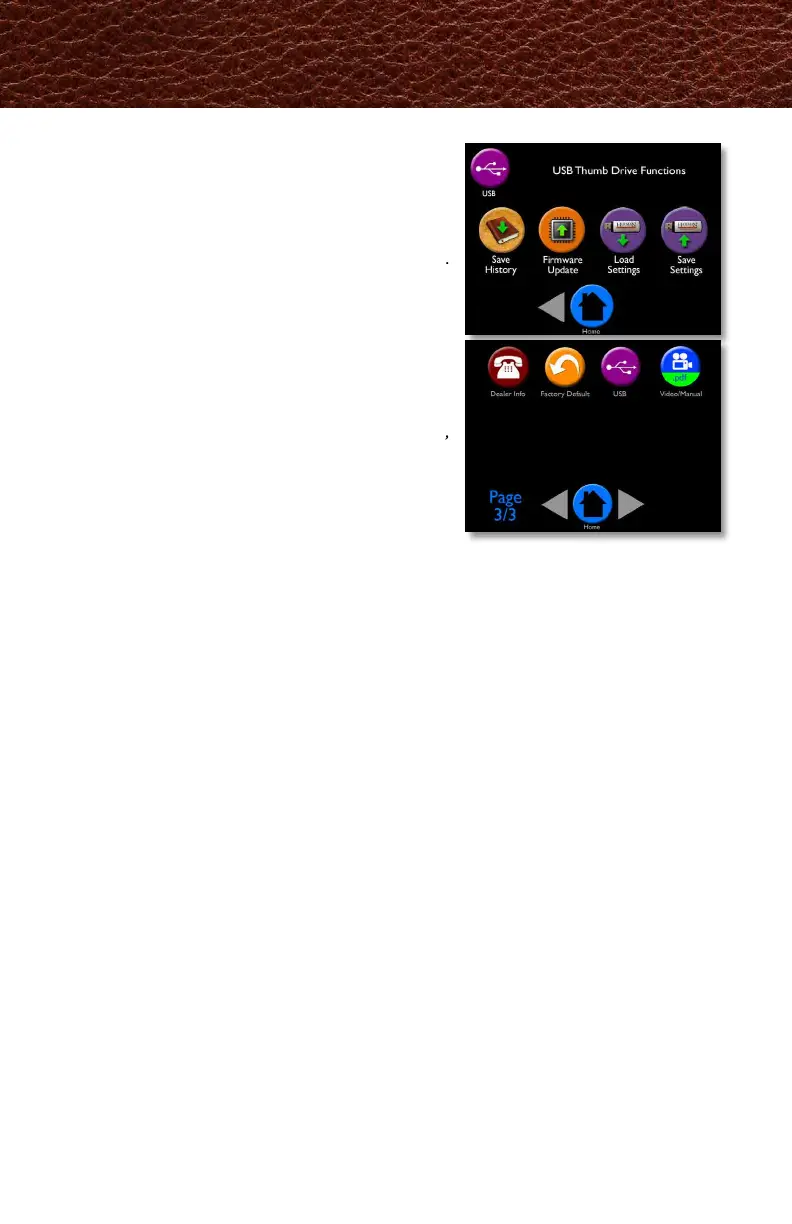
8. The EASY Touch Control will automatically
upload the software update into the EASY Touch
Control. The display will ash, for approximately
one minute, then yellow text will scroll on the
screen for one minute. The Harman logo or
Language Selection will appear when complete.
Remove the USB drive from the EASY Touch
Control.
Notes:
• You can use any USB, however your Harman pellet
stove was shipped with a Harman USB.
• Software updates may include added features,
icons, or corrections
• Your settings and schedule (if set) will not be
overridden during the software update process
Troubleshooting:
If the update fails part way through the process
(bad USB or power fail or USB removed too soon), the touch may appear to be dead or look
strangely(missing text/icons). Insert a good USB containing a good update then plug in stove to
power will force a reload.



 To Next Page