Warner Media - XOS Advanced Media Processor
1.
2.
3.
4.
5.
6.
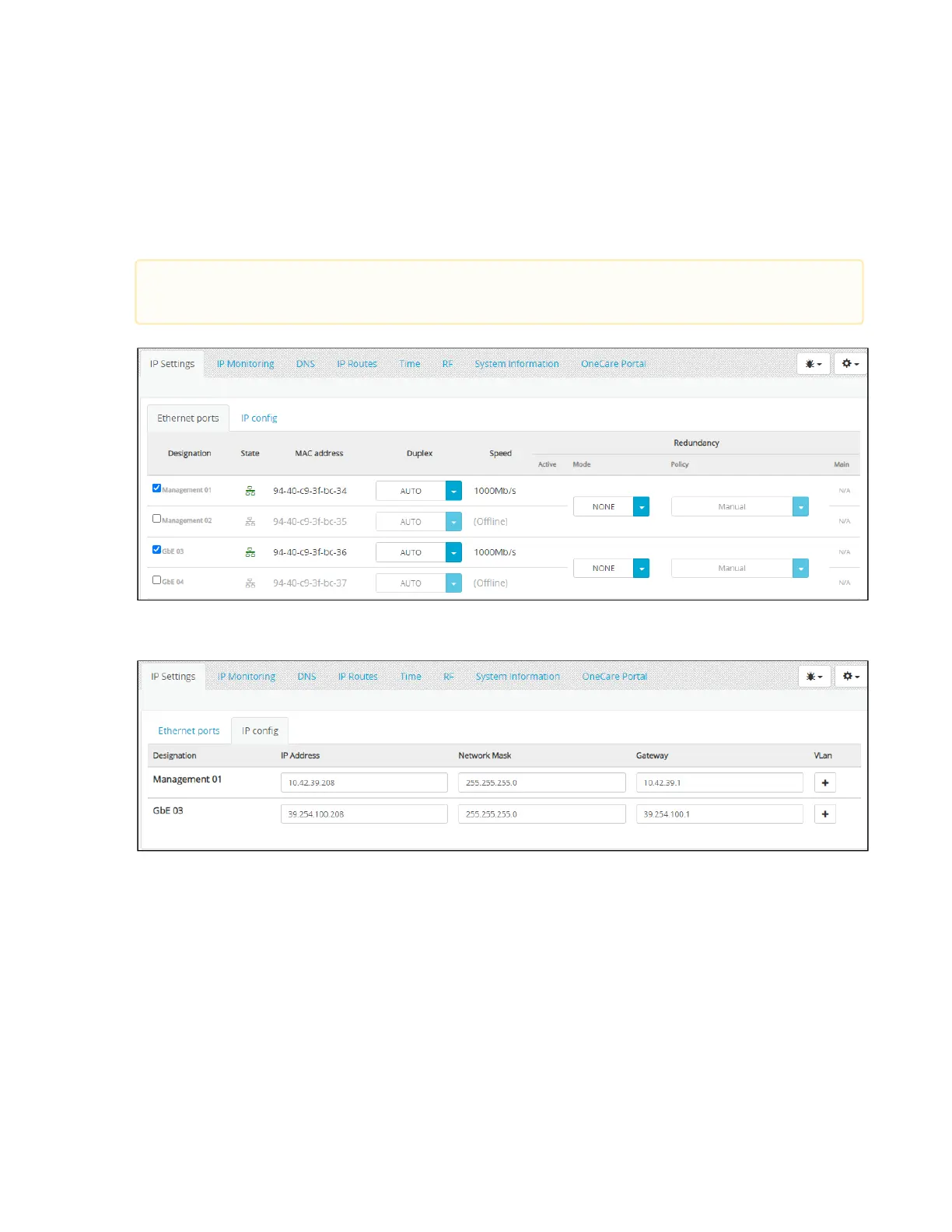
How to configure the data IP ports
The IP data ports are used to transport all multicast signals to the downstream equipment.
Launch the Platform Configuration application.
Select the IP Settings / Ethernet ports tabs.
Verify the GbE 03 port is enabled. If not check the box.
Select the IP config tab.
Set the IP Address, the Network Mask, and the Gateway of port GbE 03 based on your Data network IP plan or
keep the default IP address (192.168.2.200).
ClickSave.
GbE 04 can be enabled if Teaming/Redundancy is required. Refer toHow to configure ports redundancy
for instructions.



 To Next Page