Warner Media - XOS Advanced Media Processor
1.
2.
3.
4.
5.
6.
How to check the XOS outputs
Harmonic recommends verifying the Multiplexers or Programs are broadcasting as expected on the outputs of the XOS.
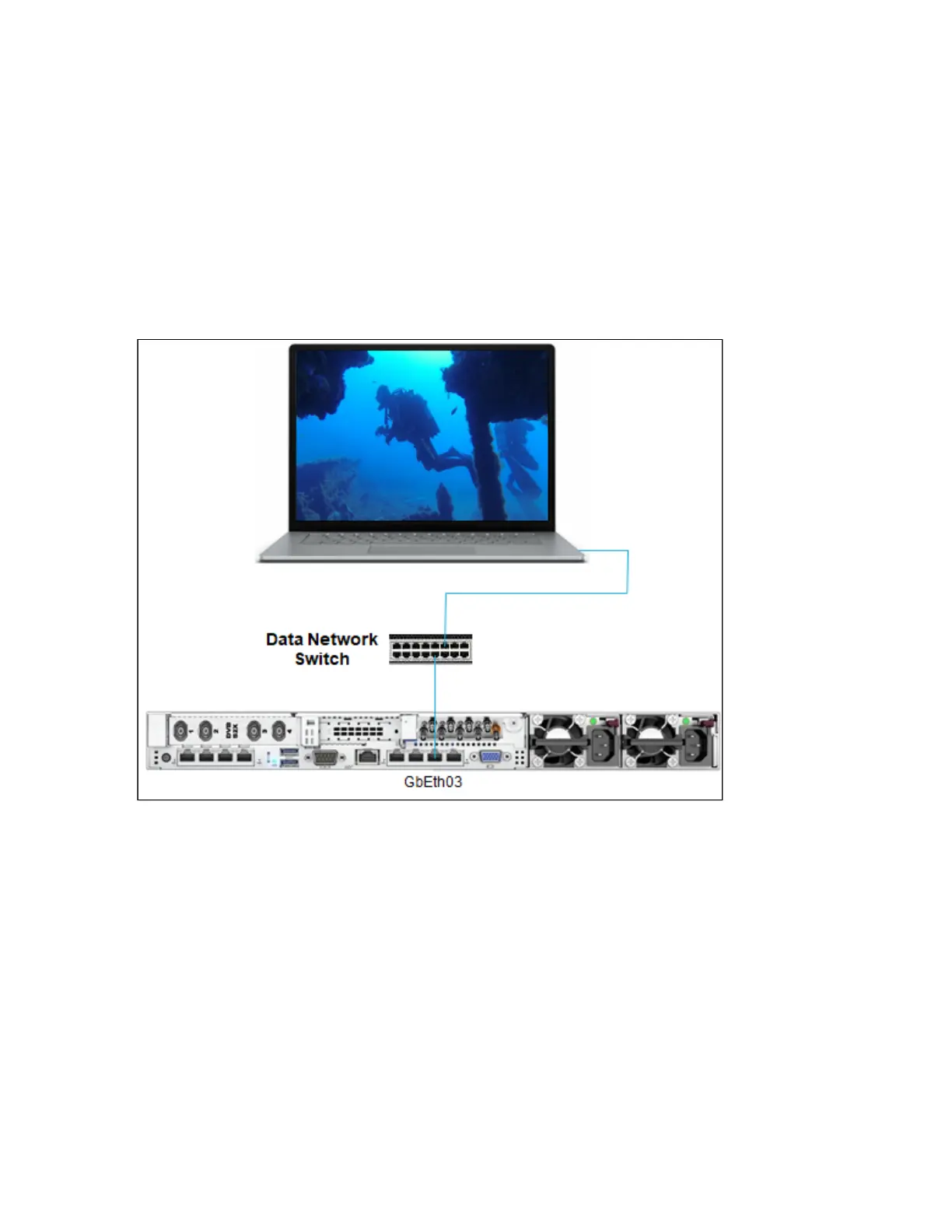
At the GbEth output
Depending on your configuration, each Multiplexer may be available on GbEth output, .
Connect one free IP port of the data network switch to the IP GbEth port of any PC.
Use any free media player (like Windows Media Player or VLC).
Open the media player and set the Multicast IP address of the multiplexer you want to check.
From the media player, select any program from the multiplexer.
The image of the selected program appears on the screen.
Repeat this process for any multiplexer assigned to an IP multicast output.



 To Next Page