Warner Media - XOS Advanced Media Processor
1.
2.
3.
RF inputs status
To check the RF inputs status:
Launch the Platform Configuration app.
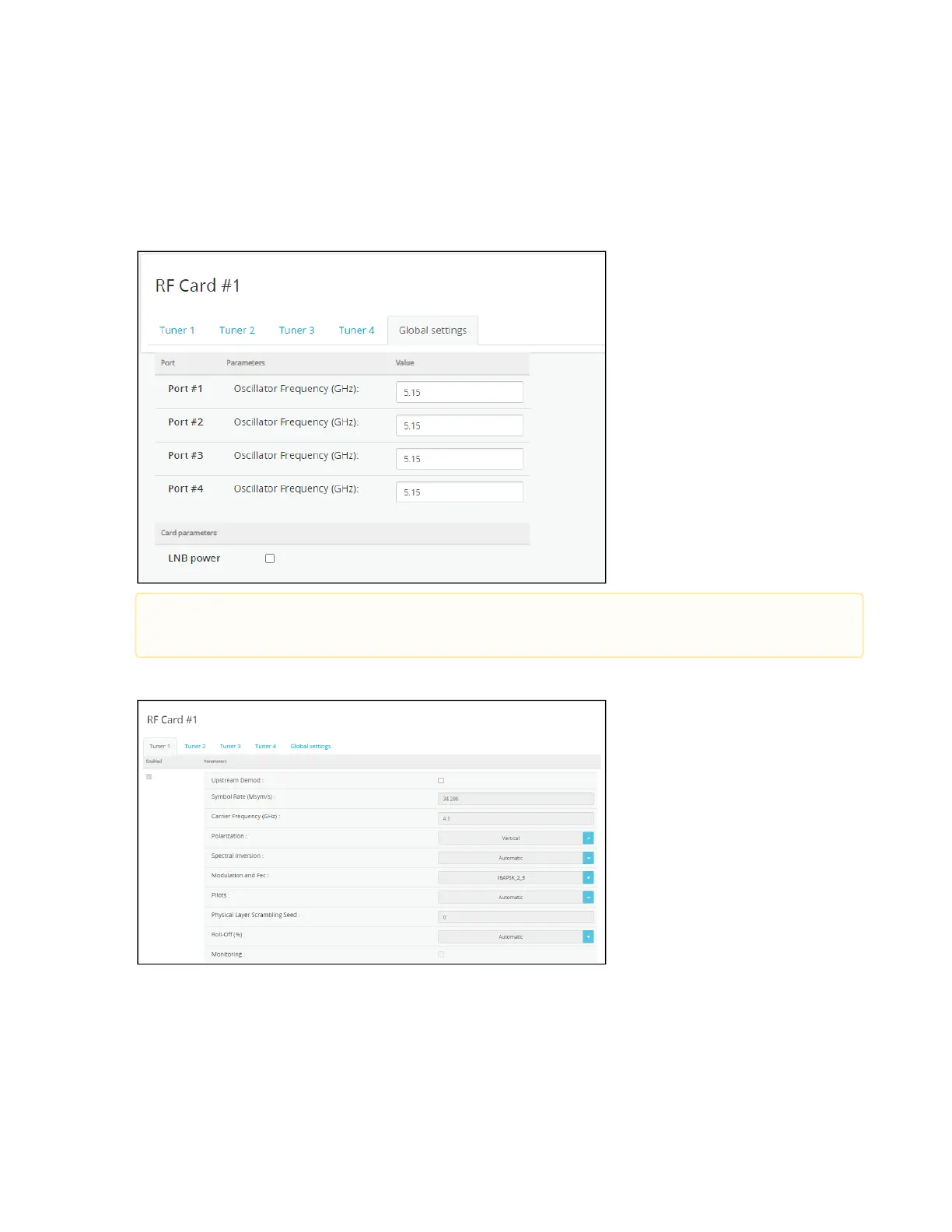
Select the RF tab / Global settings to display the local Oscillator Frequency.
Select any Tuner tab and check the box to enable it and display its parameters.
At some affiliate sites, the local Oscillator Frequency may need to be changed according to the
downlink requirement.



 To Next Page