Warner Media - XOS Advanced Media Processor
1.
2.
3.
4.
5.
6.
Configuring the SNMP recipient
In the Filter by tag field, enter notification.
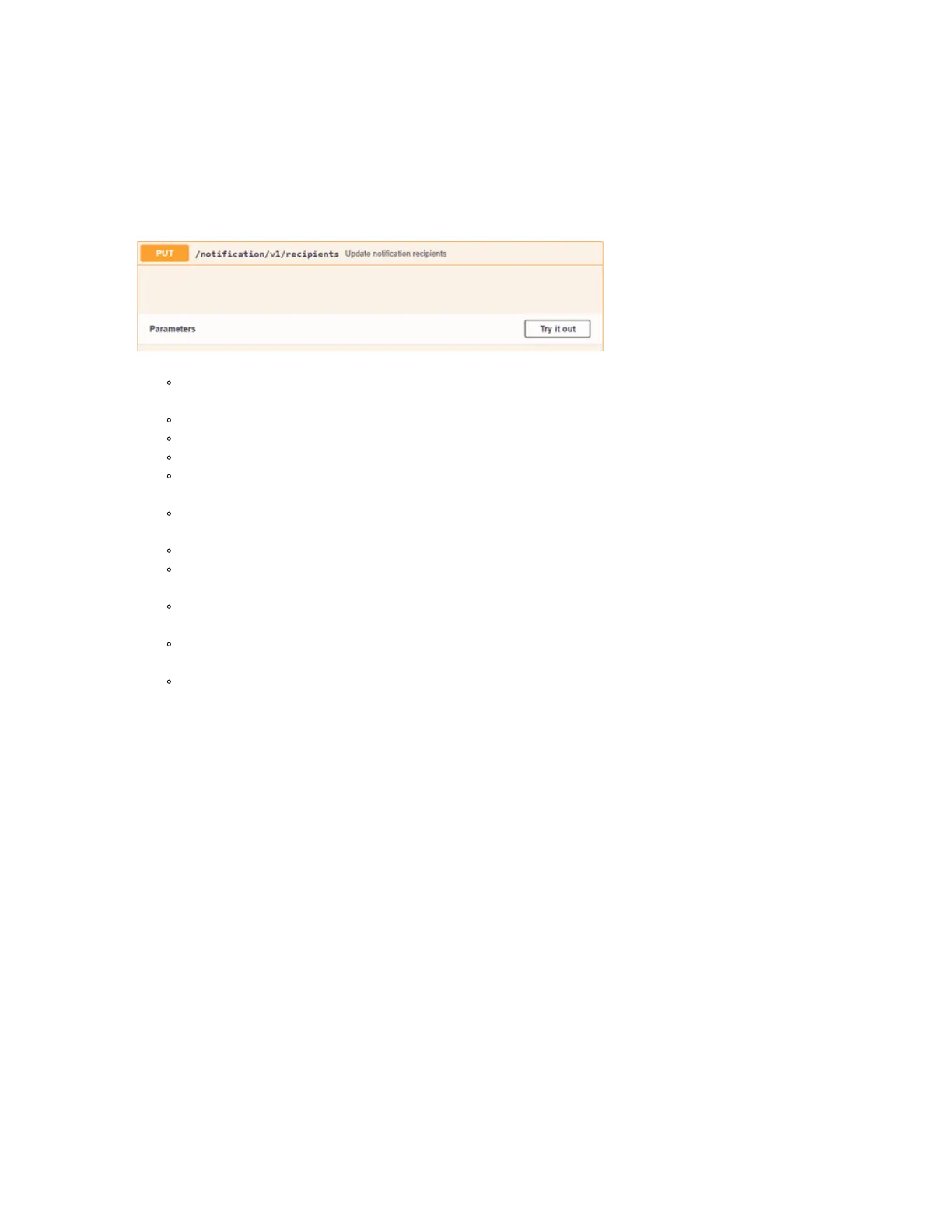
In the Notification panel, selectPUT /notification/v1/recipients.
In the Parameters strip, clickTry it outto configure the recipient parameters.
The following parameters must be set:
syncTrapTimePeriod: Synchronization trap time period in seconds, default value is 60. Set to 0 to
disable the global SNMP synchronization trap.
sendAllNotifications: To receive notifications update, set it totrue.
address: Recipient IP address.
enabled: Trueorfalsesending SNMP traps to recipient.
version:SNMP_V2orSNMP_V3.
Configure the SNMPv2Settings:
communityName: Security name for community-based SNMP.
Configure the SNMPv3Settings:
username: The security name of the user (typically the user name).
authenticationProtocol: The authentication protocol ID to be associated with this user. If set to null, this
user only supports unauthenticated messages.
authenticationPassphrase: The authentication passphrase. If not null, authenticationProtocol must
also be not null.
privacyProtocol: The privacy protocol ID to be associated with this user. If set to null, this user only
supports unencrypted messages.
privacyPassphrase: The privacy passphrase. If not null, privacyProtocol must also be not null.



 To Next Page