Warner Media - XOS Advanced Media Processor
1.
2.
3.
4.
5.
6.
7.
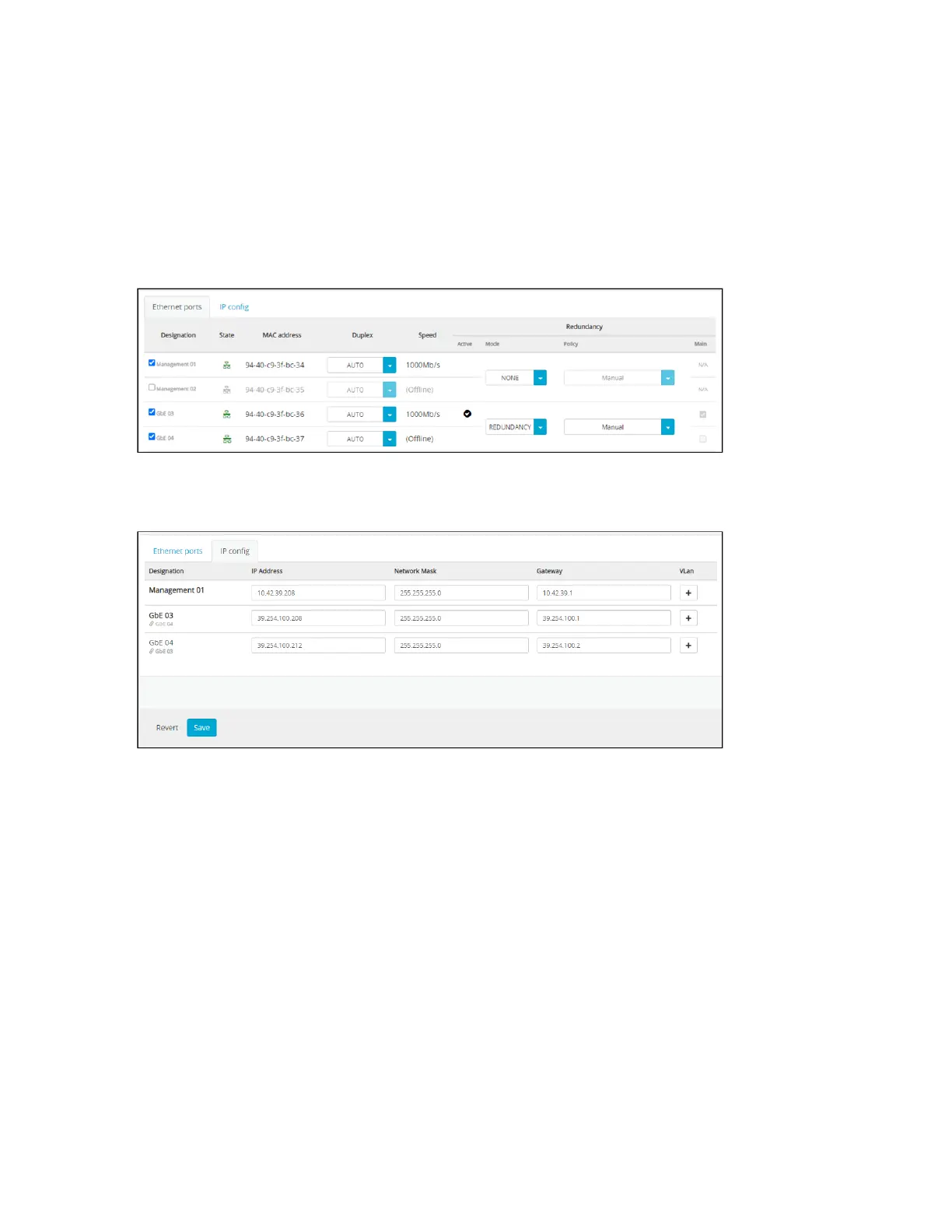
How to configure redundancy mode
From the IP Settings tab:
Click Ethernet ports tab.
Enable the GbE04 port.
Set the redundancy Mode toREDUNDANCY.
Set the redundancy Policy.
Click IP config tab.
Set the network parameters of the GbE04 backup port.
Click Save.



 To Next Page