Warner Media - XOS Advanced Media Processor
1.
2.
3.
4.
How to check the presence of TS multiplexers
Launch the Configure Broadcast application.
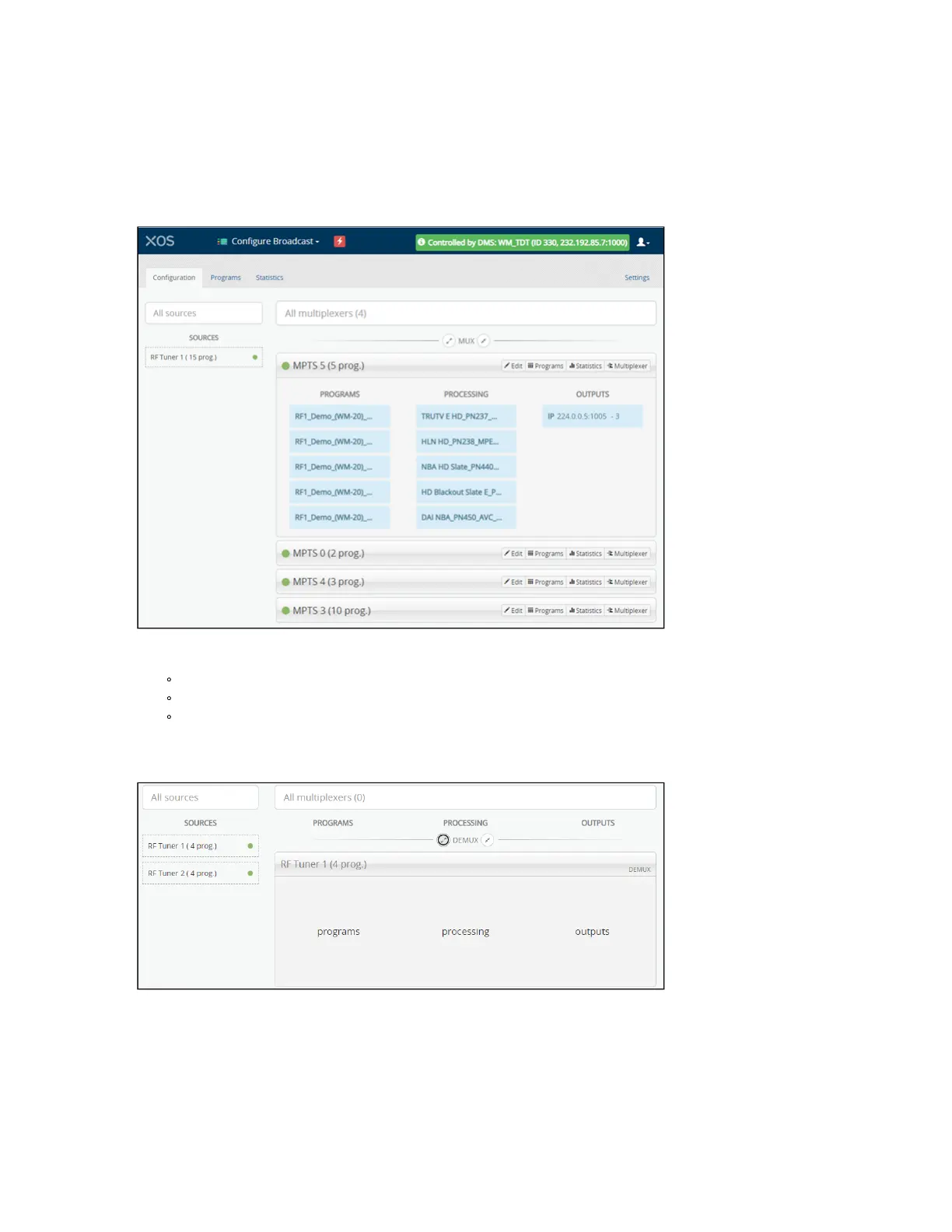
The UI will be similar in appearance to this picture.
The UI is composed of the following components:
A message at the top of the UI specifies DMS is controlling the XOS.
The left side of the UI shows the RF tuners and the number of associated programs.
The right side of the UI shows the multiplexers associated to each tuner.
Click on a multiplexer to expand the display for a list of authorized programs.
If no TS multiplexer is present, the UI will display as shown below. You must wait until the configuration finishes
loading.



 To Next Page