Warner Media - XOS Advanced Media Processor
1.
2.
3.
4.
5.
1.
2.
3.
4.
5.
Advanced configuration
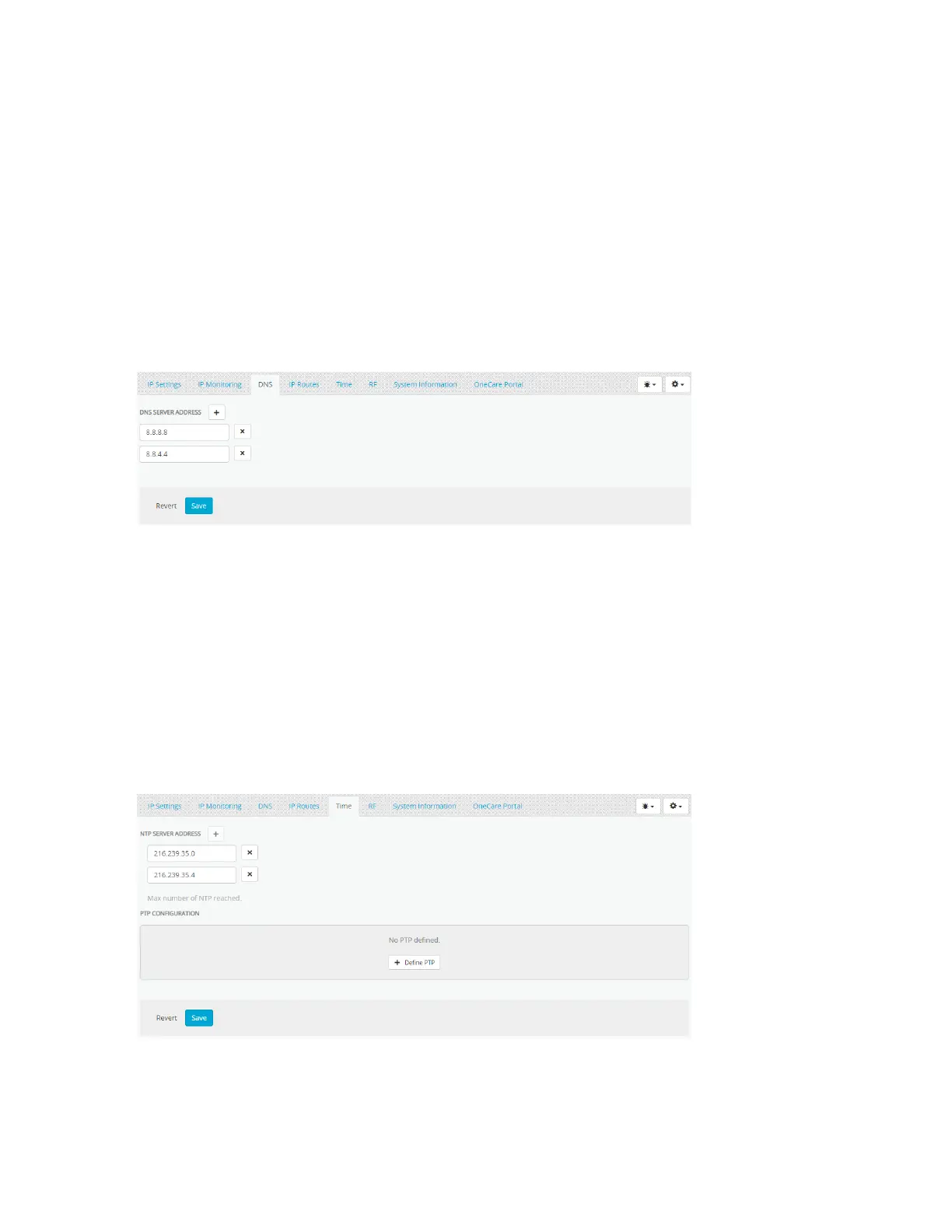
How to configure the DNS server IP address
If required, the XOS can be connected to DNS server. This type of configuration requires Internet connectivity for
operation.
LaunchPlatform Configuration.
Select theDNStab.
Click on "+" button to add a server.
Set the IP address to your local DNS server or external DNS server. This example shows Google public DNS
servers:
Click Save.
How to configure the time synchronization
If required, the XOS can be connected to an NTP server for time synchronization. This type of configuration requires
Internet connectivity for operation.
LaunchPlatform Configuration.
Select the Time tab.
Click on "+" button to add a server.
Set the IP address to your local NTP server or external NTP server. This example shows Google public NTP
servers:
ClickSave.



 To Next Page