Warner Media - XOS Advanced Media Processor
1.
2.
3.
Managing notifications
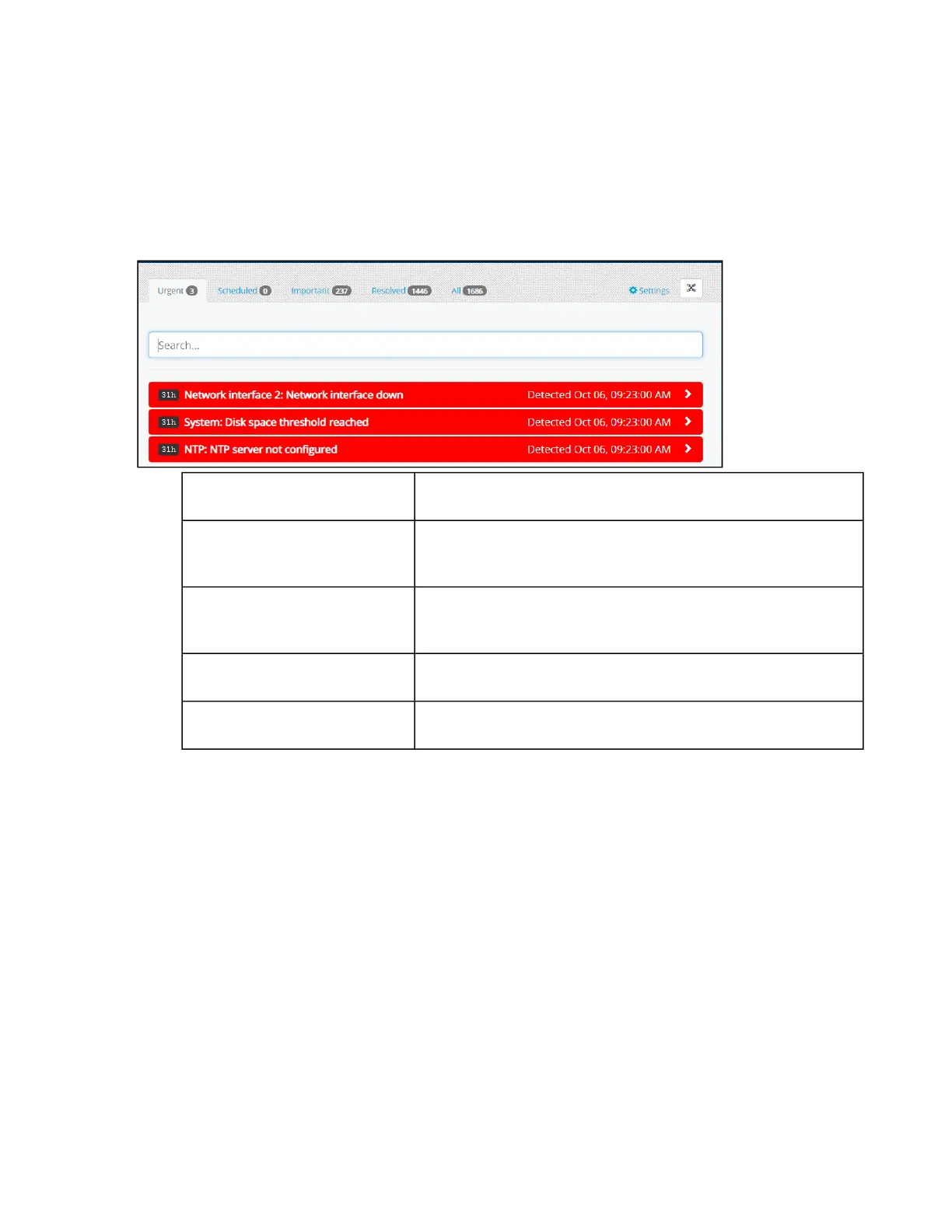
From the Notifications application, you can view, filter, or forward alerts and schedule dates and times to resolve
notifications.
Launch theNotificationsapplication.
Click on a category or enter a search term to find the type of notifications you want to view.
Urgent Notifications that are labeled asCriticalorWarning.
Scheduled Notifications you have scheduled or acknowledged but not yet
fixed.
Important Notifications that have a lower severity level than those marked
asCriticalorWarning.
Resolved Notifications that you have fixed.
All A complete list of all notifications.
Click a single notification to view details.



 To Next Page