Warner Media - XOS Advanced Media Processor
•
•
How to configure ports redundancy
The XOS provides two modes of redundancy with the Management and the Data IP ports:
TEAMING: Both ports use the same IP Address. While the main port is active, the second port is up, but the traffic
is down. This allows both ports to be connected to the same IP switch.
REDUNDANCY: Each port uses a different IP Address and are both active. They can be connected to the same IP
switch or to two different IP switches.
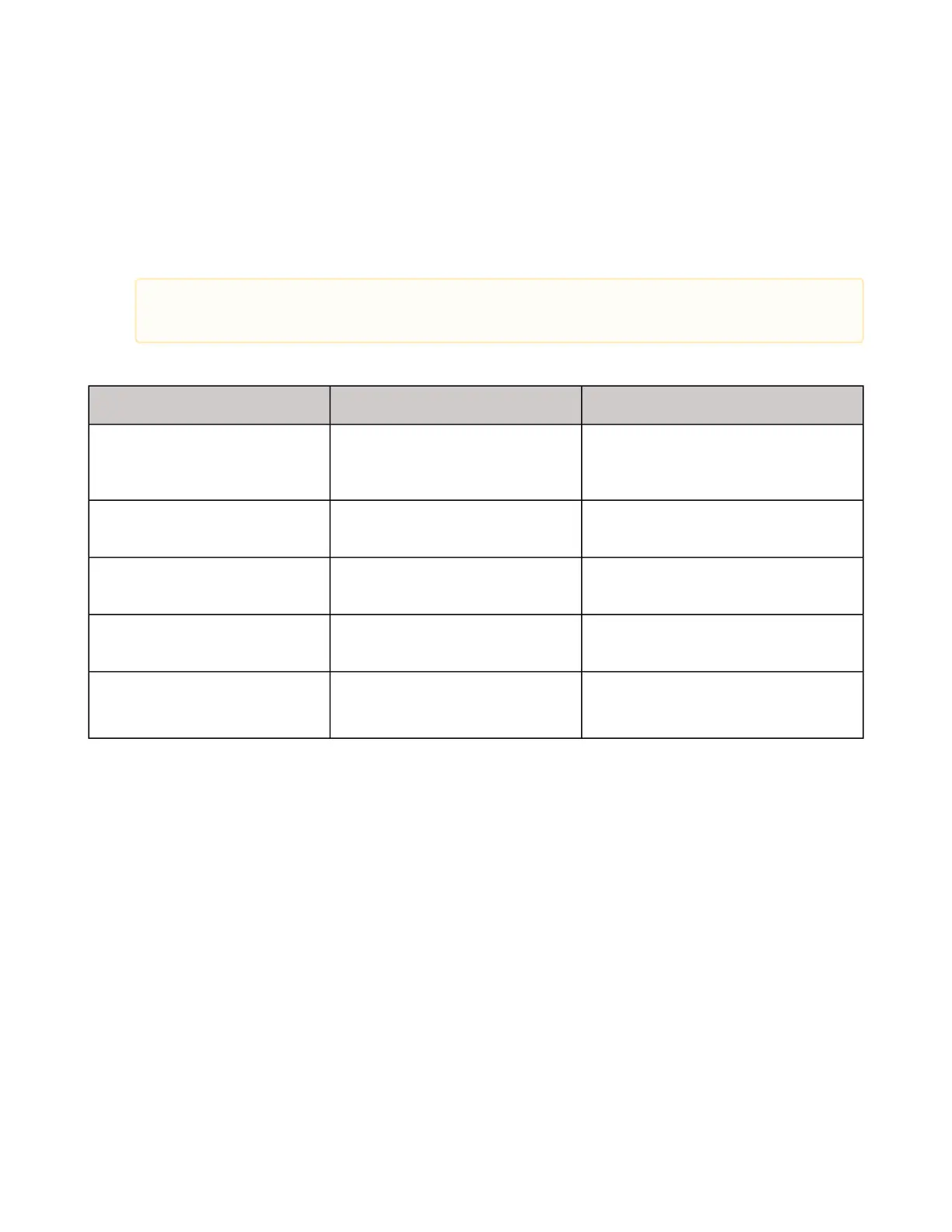
The Redundancy Policy, for both modes, offers several possibilities:
Mode Switch Switch Back
Auto / revert on backup failure Automatic switch for alarm
detection on the main port.
Switch back for alarm detection on the
backup port and if the main port is
healthy.
Auto / revert on healthy main Automatic switch for alarm
detection on the main port.
Switch back when the .main port is
healthy.
Manual The switch is performed by the
operator.
The switch back is performed by the
operator if the main port is healthy.
Auto / manual revert Automatic switch for alarm
detection on the main port.
The switch back is performed by the
operator if the main port is healthy.
Dual(only available when
Redundancy mode is set)
Harmonic recommends using a separate network for Redundancy mode. If a separate network is not
possible, configure a different VLAN for each port.



 To Next Page