Email: service@haskris.com
Access Service Menu
Purpose: A separate Service menu is locked behind a password. This gives access to hidden displays
and some override controls. Entering the password enables advanced options to interact with the
chiller. To access the Service menu, follow the procedure below.
Password: 6420
1. Begin on the main display
2. Press the button on the controller
3. Press the or buttons to highlight Service. Press the button 2 times.
4. Press the or buttons to change 1 digit at a time
5. Press the button to move the blinking cursor
6. Press the button to enter the password
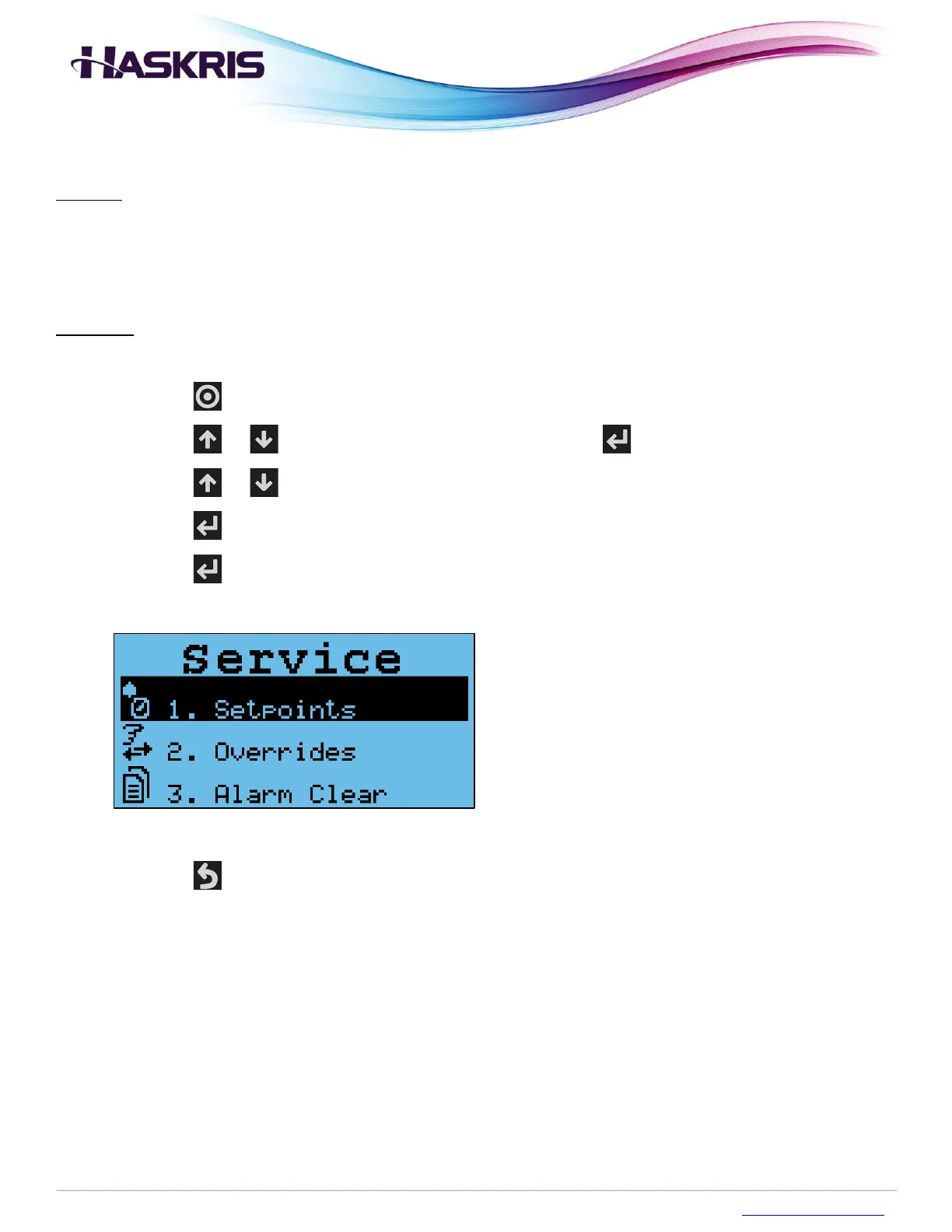
7. You will see the Service menu
Service menu
8. Press the button several times to return to the main display



 To Next Page