59
CONTENTS
CFV 100C
User Manual
CFe
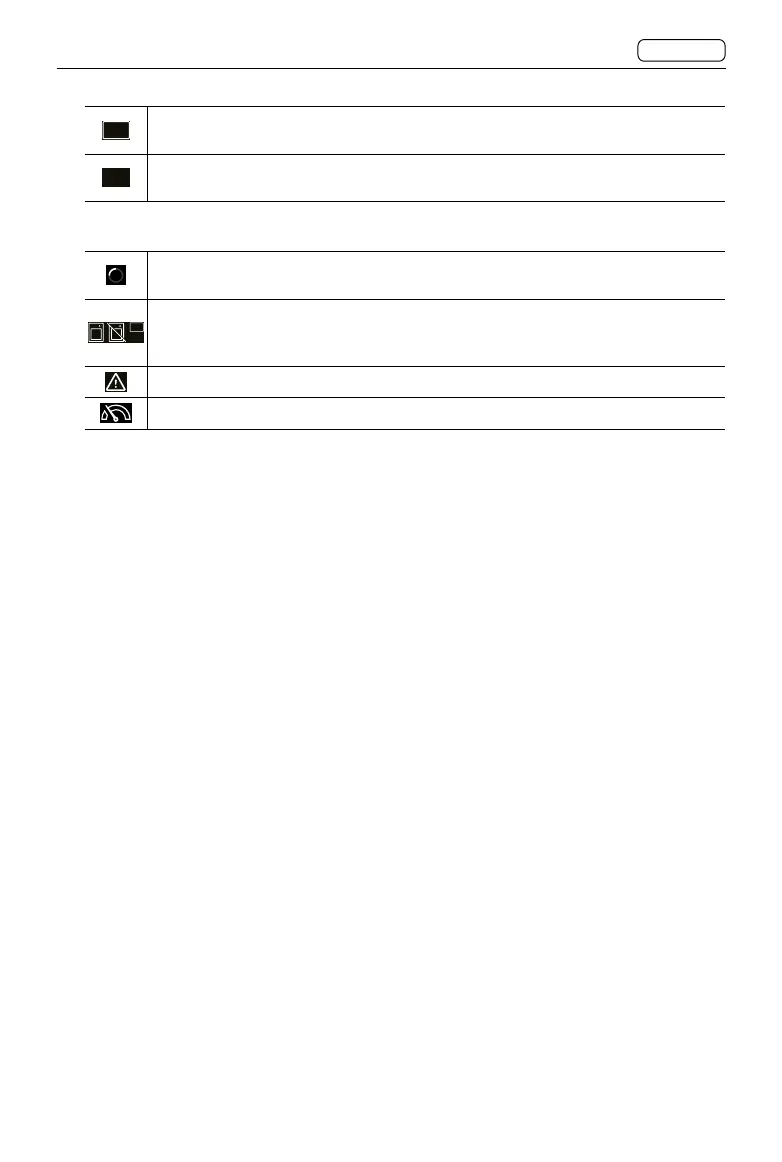
A white border indicates extra storage that is set to overflow in the Storage
settings.
CFe
When the CFexpress memory card is set to overflow but without any memory
card inserted, the icon will display without a white border.
Storage Status: Displays the data writing status and error statuses. Includes:
Current read write. This storage status icon will appear on the left of the
remaining frames.
SSD
CFe
No memory card. This icon will appear when the secondary storage is set to
backup but without any memory card inserted so that the camera cannot store
images.
Memory card error.
Slow read/write speed.
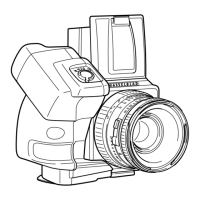
12. Camera Body Model
When using with cameras other than the 907X, the camera body set in the settings will
be displayed here.
13. Live View (LV)
Tap to enter Live View.
14. Shutter Release Button
When using with cameras other than the 907X and with the camera body set to Any
(Electronic Shutter), the shutter release button will appear. Tap to make a capture
.












 To Next Page