112
X2D 100C
User Manual
CONTENTS
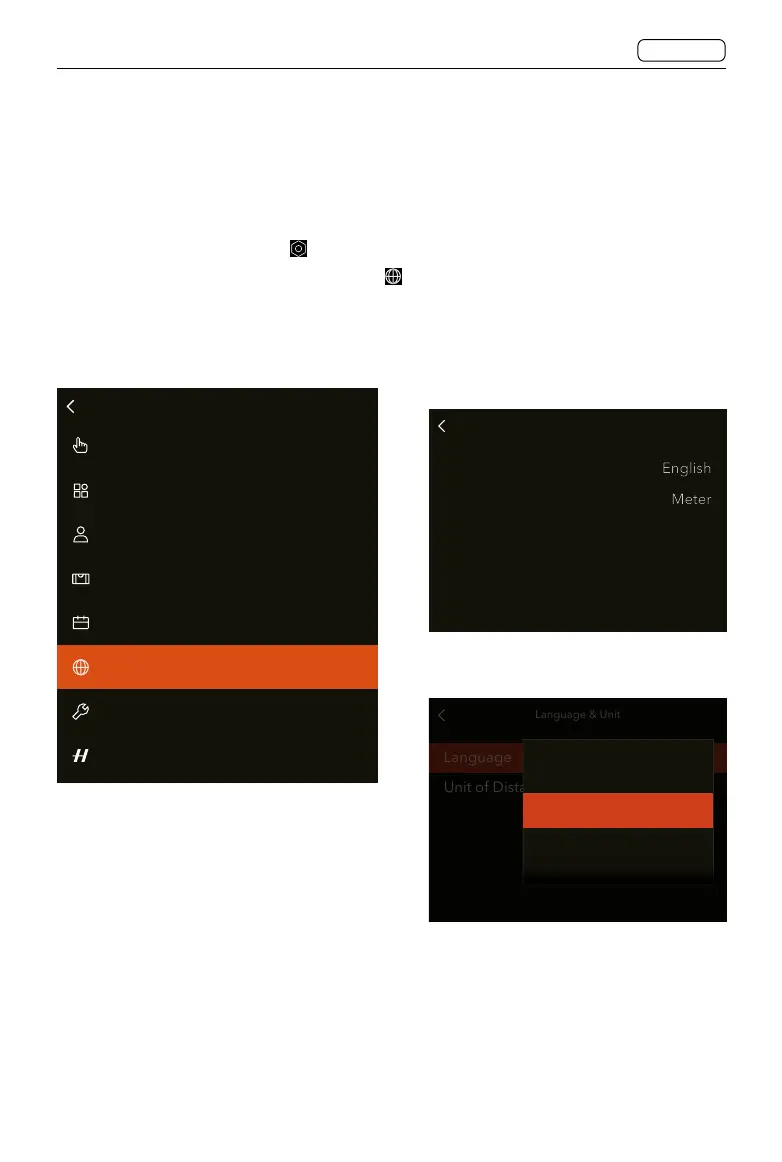
5.1 CHANGE FROM FOREIGN LANGUAGE
Main Menu > General > Language & Unit
1. Power on the camera and press the menu button twice to enter Main Menu.
2. Tap the general settings icon
.
3. Scroll on the screen to find the globe icon
.
4. Tap to enter the language setting page and tap to select the desired language from the
list.
Touch
Custom Buttons
Custom Profiles
Date&Time
Language&Unit
Spirit Level Calibration
Service
About
General
Language & Unit
Language
Unit of Distance
Language Menu
Language & Unit
Language
Unit of Distance
English
Español
Français
Language Setting















 To Next Page