38
Clip
HBM A0114-6.3 en
Procedure
− Set switch S100/7 to ”OFF” position
− To activate the filter for the peak value as well, set switch S100/5 to
”ON”position
− Push and hold switch S6 and turn potentiometer P1. Refer to Tab. 5.2 for
the cutoff frequency and the appropriate potentiometer position.
NOTE
The filter frequencies for taring and peak value always bear a constant
relationship and cannot be adjusted independently of each other.
5.4.3 Store unit adjustment
• Adjust operating mode
Use the signal levels on terminals 8 and 9 to select the operating mode (cur-
rent value/peak value) and the Run/Hold function.
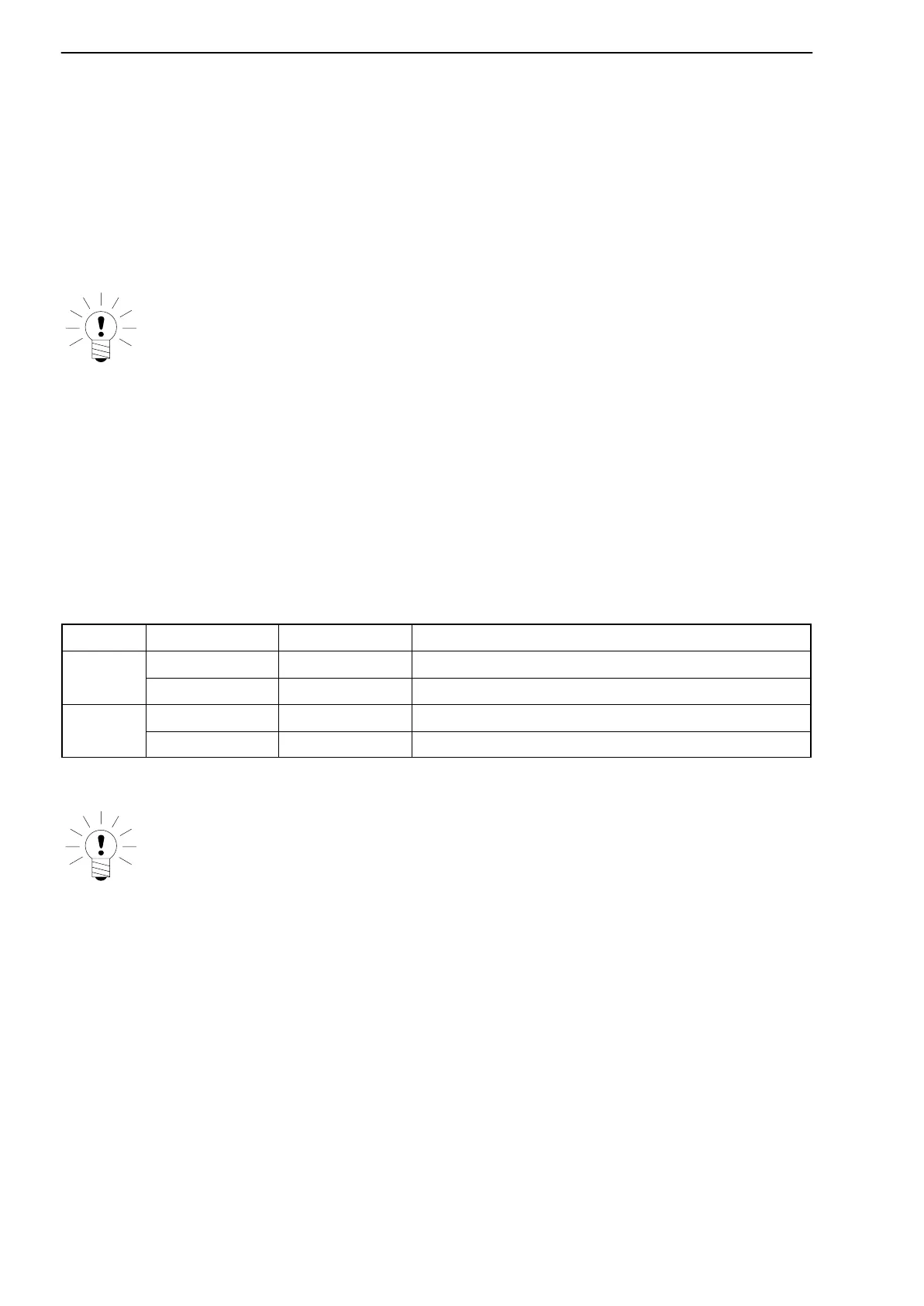
Terminal Level Function Effect
High Run Store contents is permanently kept up to date
Low Hold Store contents is held
High Peak Peak value operating-mode
Low Reset Current value operating-mode
High=24 V; Low=0 V
NOTE
The peak-value store is cleared by switching from the peak value operat-
ing-mode to current value.



 To Next Page