Connecting QuantumX modules
28 A3169-8.0 HBM: public CX22B / CX22B-W
Important
If you are already using QuantumX modules and want to
connect them to a CX22B‒W Data Recorder, please up
date the device firmware. Catman
EASY checks the
firmware automatically and if necessary, prompts you to
update the firmware. The relevant firmware package is
supplied with the Data Recorder and is located in the
sub-directory C:\Program Files
(x86)\HBM\catmanEasy_EN\Firmware\QuantumX-B\
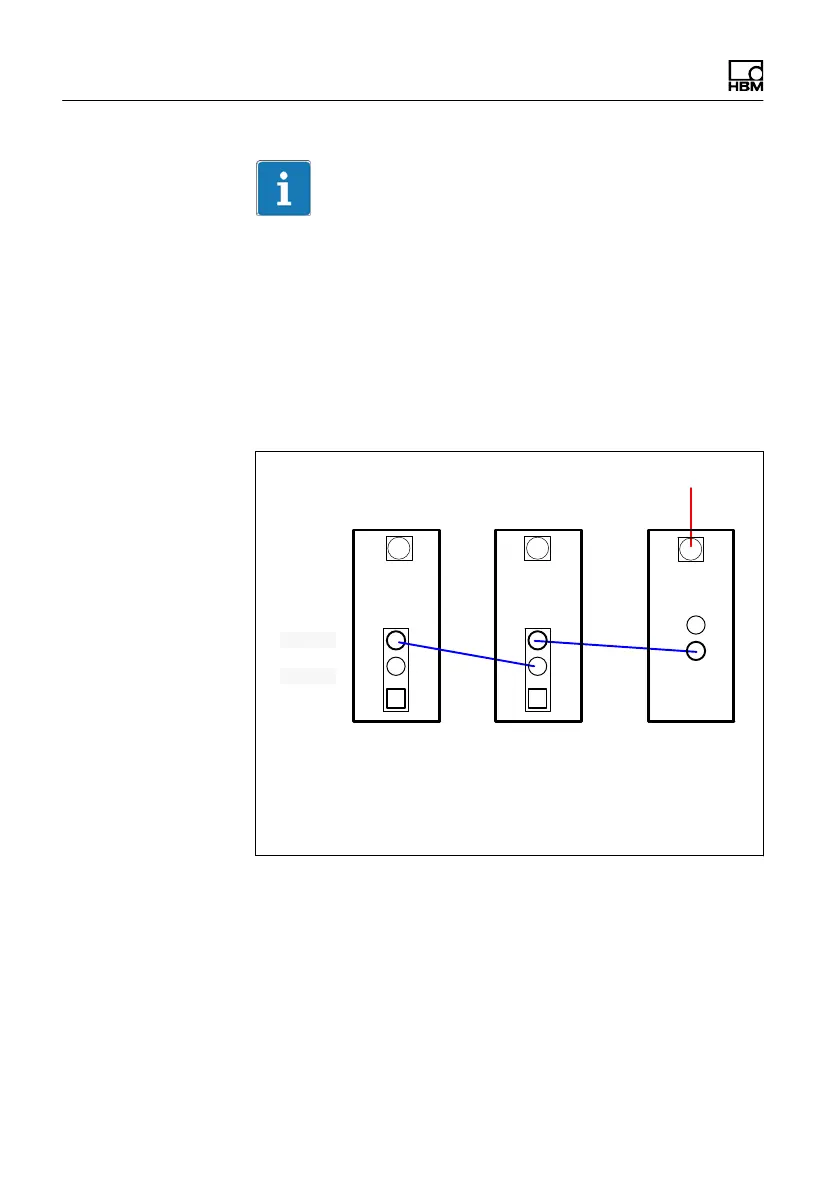
FireWire connection
1-Kab272-x: connection cables of various lengths (x m)
DC 10V ... 30V
MX
X101
X102
MX CX
Fig. 5.1 Connecting QuantumX modules to the Data
Recorder via FireWire



 To Next Page