Operating the Data Recorder
46 A3169-8.0 HBM: public CX22B / CX22B-W
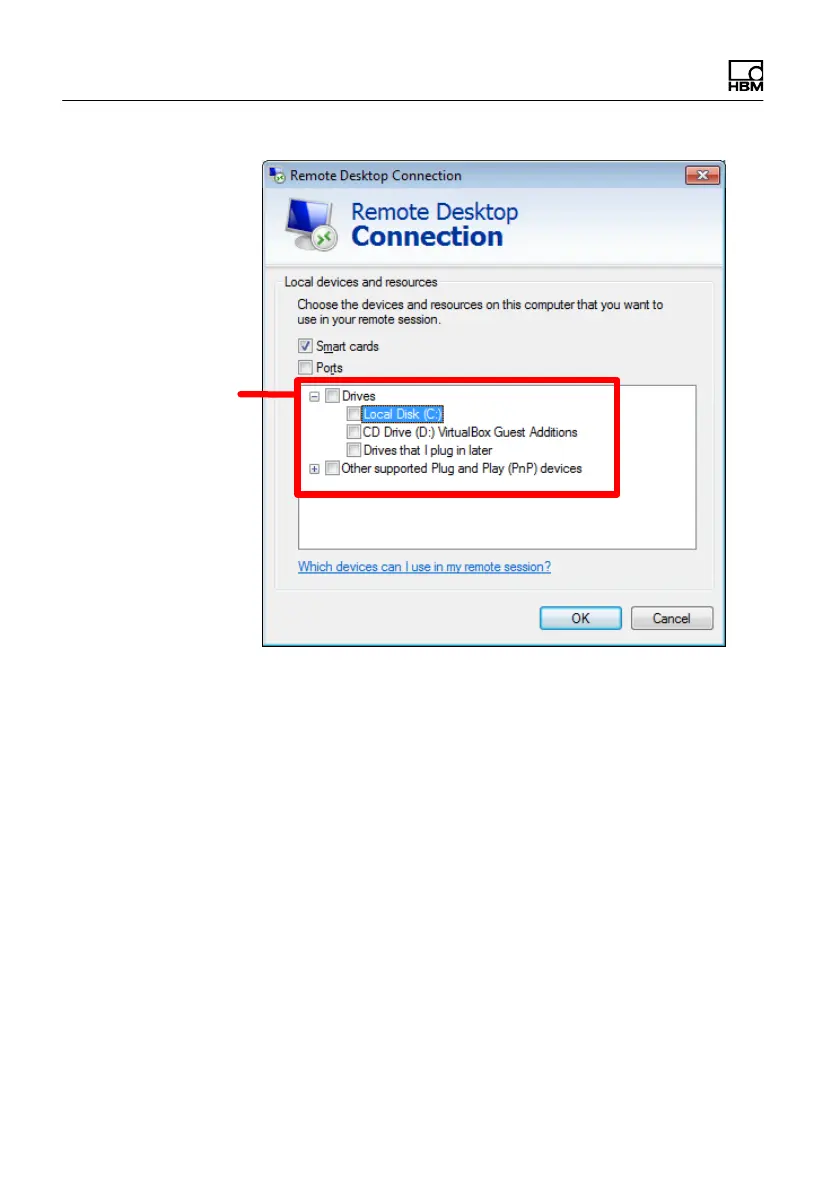
Enable drives for
use in the CX22B‒W
Fig. 6.7 Dialog for enabling additional resources
► Close the dialog.
► Save the configuration via the General tab either
under a new name (Save as) or as a default setting
for the connection via HBM Device Manager (Save),
see Fig. 6.8.



 To Next Page