Operating the Data Recorder
CX22B / CX22B-W A3169-8.0 HBM: public 47
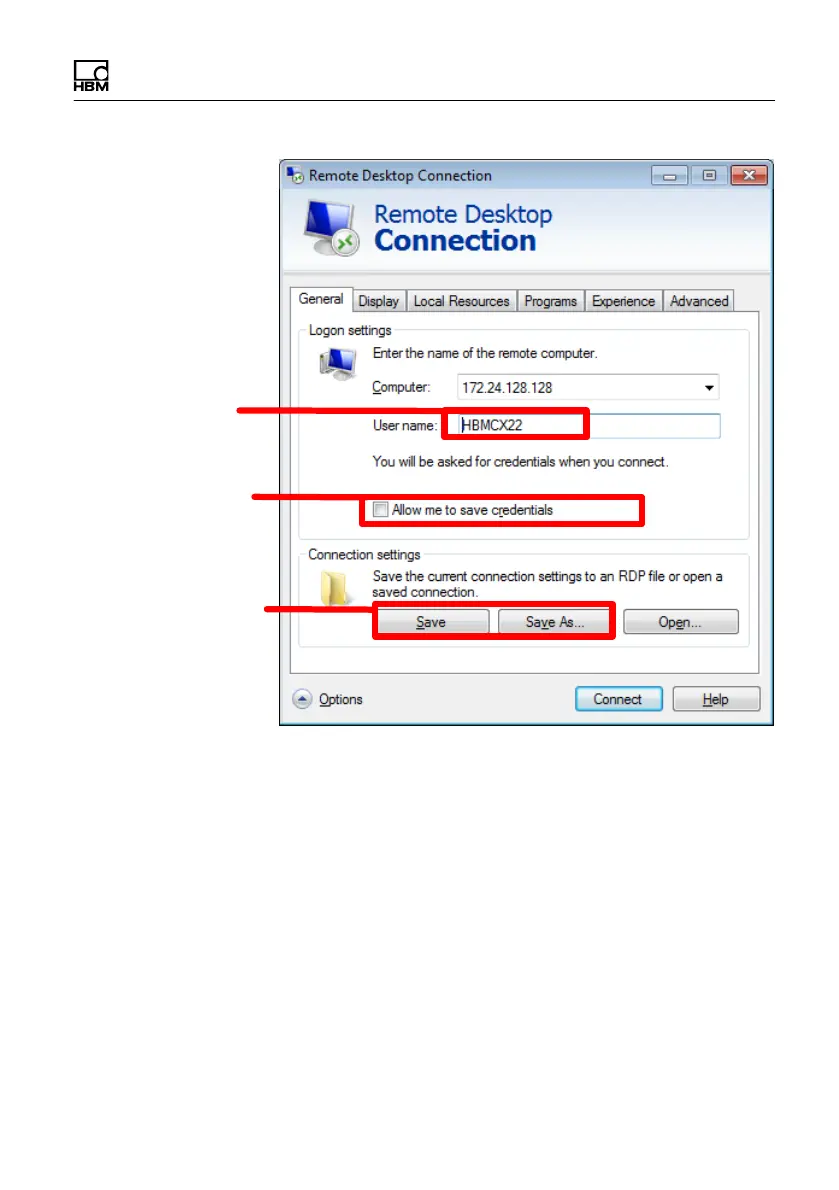
Domain and user
name (optional data)
Allow user name and
password to be
saved
Save settings
Fig. 6.8 Saving the remote desktop configuration
If you double-click this configuration file (or a link to it), a
connection to the CX22B‒W is immediately set up, and
you only have to enter the password. If you authorize
Save credentials (see Fig. 6.8), this is done automati
cally.



 To Next Page