The first DAQ job with catman
EASY
CX22B / CX22B-W A3169-8.0 HBM: public 59
5. Via Windows Explorer:
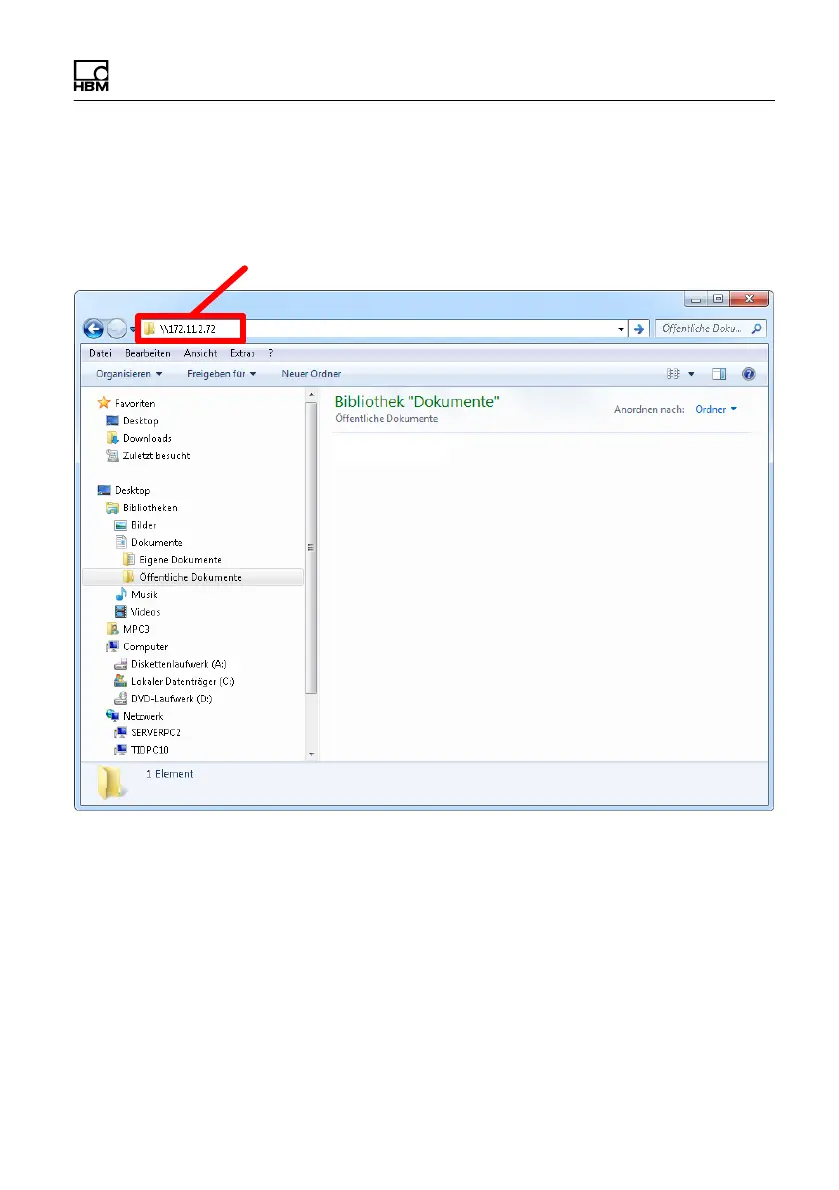
Enter the IP address of the CX22B‒W in Windows
Explorer (Fig. 8.2, enter \\ in front of the address).
IP address entry
Fig. 8.2 Entering the IP address of the CX22B‒W in
Windows Explorer
In the logon dialog, enter the name of the CX22B‒W,
the user name and the password. In the factory set
tings, the device name is "CX serial number" and the
user name is HBMCX22. In this case, enter
HBMCX22 and the password hbm (Fig. 8.3).



 To Next Page