Quick Reference Guide for Alarms
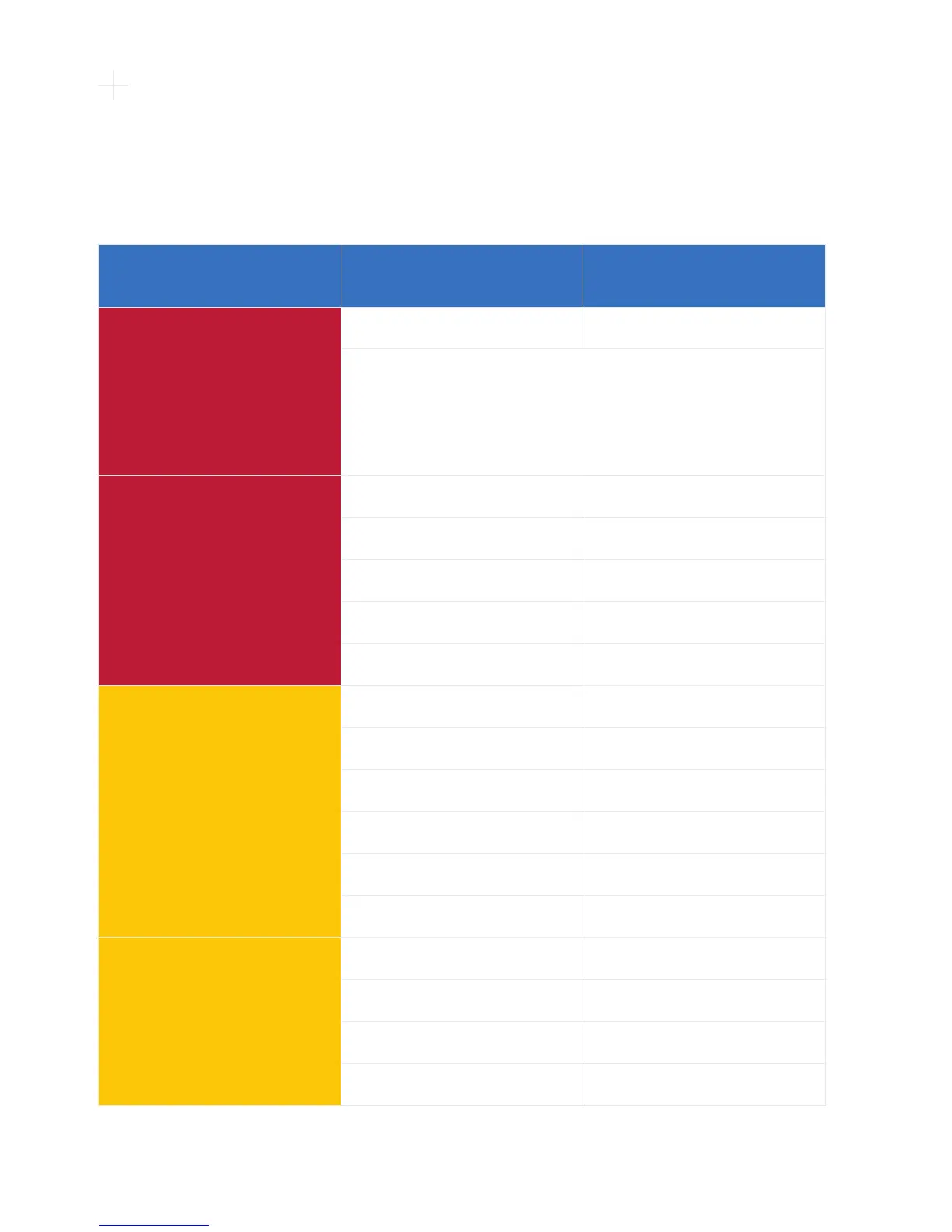
When an alarm occurs, two lines of text appear in the Controller Display. The rst line
tells you what the alarm is, and the second line tells you what to do. The chart below
shows all potential alarms you may see on your controller.
Alarm Type Alarm Display (Line 1) Action (Line 2)
[No Power] Alarm
[no message] [no message]
When both power sources (2 batteries or 1 battery and an
AC adapter or DC adapter) are removed, NO message will display
on the controller. The [No Power] alarm will sound but the Alarm
Indicator on the controller WILL NOT light. This indicates your pump
has stopped. You should immediately connect two power sources.
High – Critical
(Flashing Red)
[VAD Stopped] [Connect Driveline]
[VAD Stopped] [Change Controller]
[Critical Battery] [Replace Battery 1]
[Critical Battery] [Replace Battery 2]
[Controller Failed] [Change Controller]
Medium
(Flashing Yellow)
[Controller Fault] [Call]
[Controller Fault] [Call: ALARMS OFF]
[High Watts] [Call]
[Electrical Fault] [Call]
[Low Flow] [Call]
[Suction] [Call]
Low
(Solid Yellow)
[Low Battery 1] [Replace Battery 1]
[Low Battery 2] [Replace Battery 2]
[Power Disconnect] [Reconnect Power 1]
[Power Disconnect] [Reconnect Power 2]



 To Next Page