32
3.0 Handling HeartWare
™
HVAD
™
System Components
3.6 Battery Charger
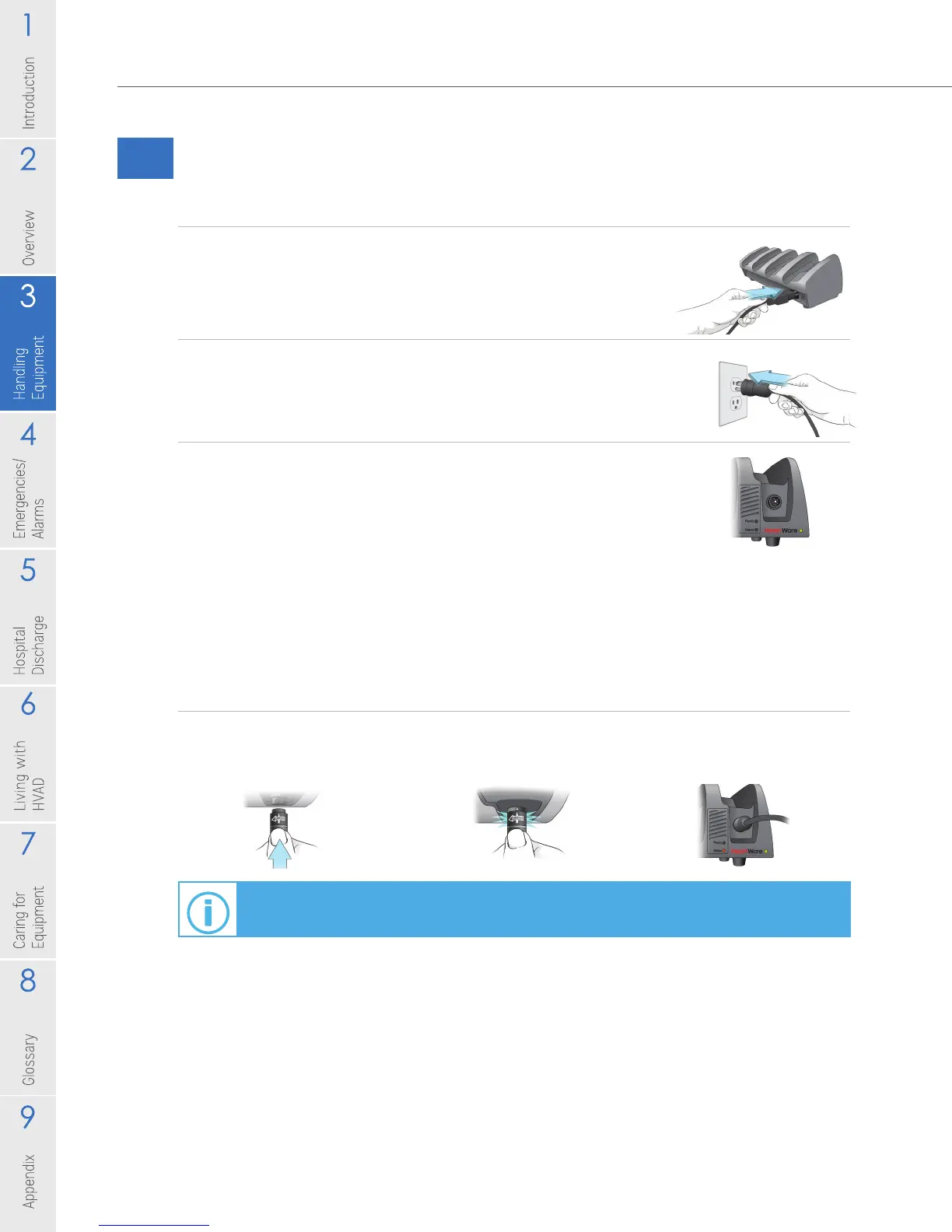
To Set up Your Battery Charger:
1. Insert the power cable into the back of the charger.
2. Plug the other end of the cable into a wall outlet.
3. Once the charger is connected to power, the green
power light, located on the front bottom right side of
the charger will be on.
When a battery is connected, the battery charger checks the battery and begins
charging.
To connect a battery to the charger, follow the steps below:
1. Connect the battery to the power port located under each slot, the same way
you connect a battery to the controller.
For information on how to connect and disconnect power sources, see Section 3.2.2.
Figure 31
Figure 32
Figure 33
Figure 34



 To Next Page