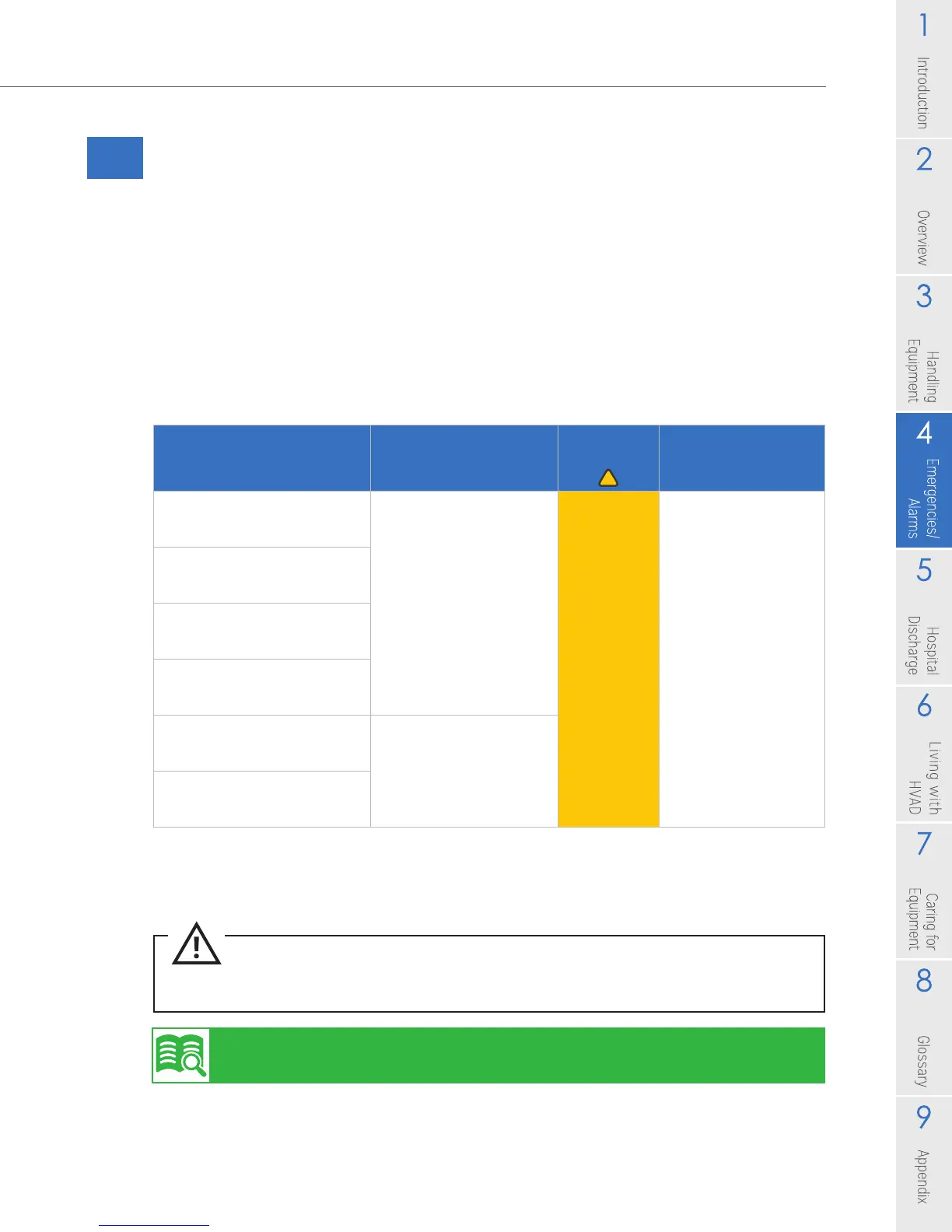
CAUTION: ALWAYS call your clinician for appropriate action if there is a [Controller Fault] alarm.
The controller may need to be replaced with the back-up controller.
47
HVAD
®
Patient Manual
4.5 Medium Alarms
A Medium Priority Alarm may resolve on its own/without intervention, but follow the
instructions on the screen and call your clinician immediately to receive instructions.
Once resolved, the alarm message may remain on the Controller Display. Press the
Scroll button to clear the alarm message from the Controller Display and return to
the screen with VAD parameters. A new alarm will also clear a resolved medium
alarm from the Controller Display.
The table below describes medium alarms and possible meaning.
Table 8: Medium Alarms
Alarm (Line 1 on controller)
Action (Line 2 on controller)
Meaning
Alarm
Indicator Alarm Sound
[High Watts]
[Call]*
A change in the
status of your VAD
is detected
Flashing
Yellow
Gradual increase in
volume over the rst
minute if alarm not
muted.
Alarm gets louder
after 5 minutes if
alarm not muted.
Able to mute alarm
for 5 minutes by
pressing Alarm Mute
button.
[Electrical Fault]
[Call]*
[Low Flow]
[Call]*
[Suction]
[Call]*
[Controller Fault]^
[Call]*
Possible controller
malfunction
[Controller Fault]^
[Call ALARMS OFF]*
^ Controller Fault indicates a possible controller malfunction. Call your clinician for appropriate
action. The controller may need to be replaced with the back-up controller.
* Call your clinician immediately.
Quick reference guide for controller alarms is available from your clinician.



 To Next Page