46
4.0 Emergencies and Alarms
4.3 [No Power] Alarm
If both power supplies (batteries, AC adapter, DC adapter) are removed, there will
be NO message on the Controller Display. A loud continuous alarm will sound but the
Alarm Indicator WILL NOT light. Your pump has stopped. You need to connect power
immediately. If this does not resolve the alarm, immediately replace the controller
with the back-up controller.
WARNING! NEVER disconnect both power sources (batteries, AC adapter, DC adapter) at the
same time since this will stop the pump and activate the [No Power] alarm. At least one power
source must be connected at all times.
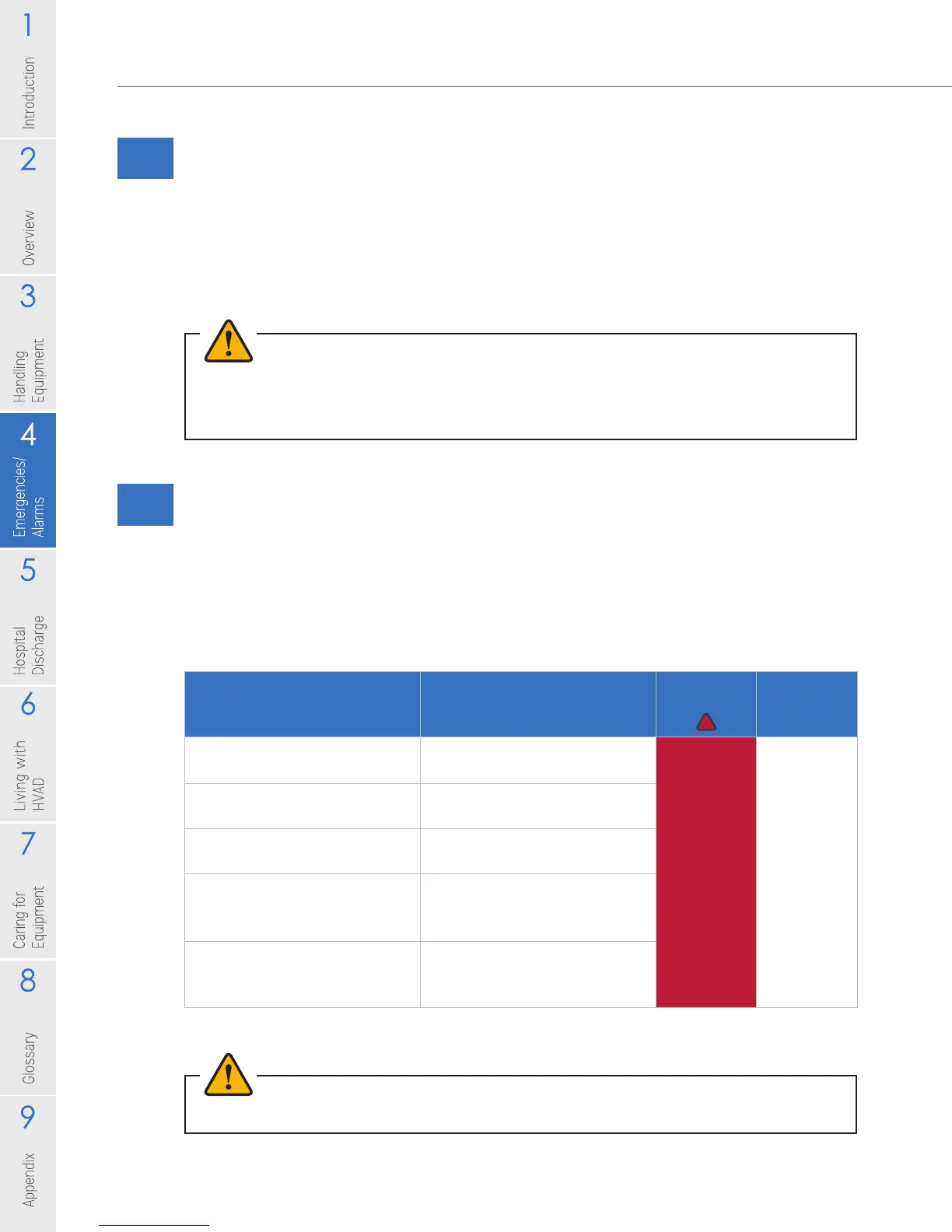
4.4 High Alarms
A high alarm demands immediate action for VAD (pump) stoppage, controller failure or
limited power to run the pump. After the condition is resolved, the audible tone will stop,
the alarm message will automatically clear from the controller and VAD parameters will
be displayed on screen. The table below describes high alarms and possible meaning.
Table 7: High Alarms
WARNING! ALWAYS switch to the back-up controller if there is a [Controller Failed] alarm.
Alarm (Line 1 on controller)
Action (Line 2 on controller)^
Meaning
Alarm
Indicator
Alarm Sound
[VAD Stopped]
[Connect Driveline]
Driveline disconnected or
connector malfunction/ broken
Flashing
RED
Loud
Unable to
mute alarm
[VAD Stopped]
[Change Controller]
Controller failure
[Controller Failed]
[Change Controller]
Controller failure
[Critical Battery]
[Replace Battery 1]
Limited time remaining
on battery connected to
Power Source 1
[Critical Battery]
[Replace Battery 2]
Limited time remaining
on battery connected to
Power Source 2
^ Immediate action required, and then call your clinician.



 To Next Page