10
2.0 HeartWare
™
HVAD
™
System Overview
2.1 Identifying the Components of the HeartWare
™
HVAD
™
System
HVAD
®
Pump and Driveline
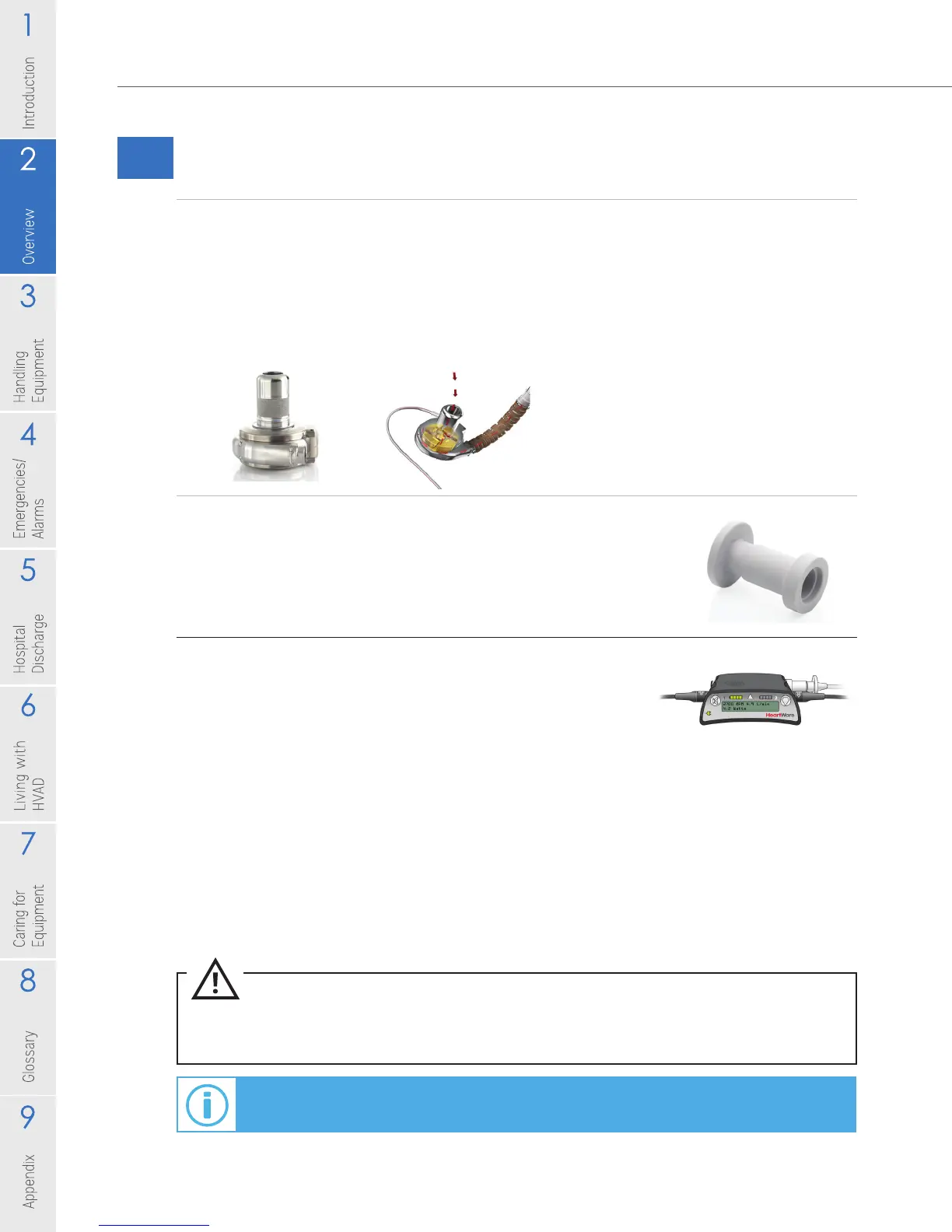
The HVAD
®
Pump is small and has one moving part, called an impeller (Figure 2).
As the impeller spins it moves blood from the heart to the body. The amount of
blood owing through your pump depends on the speed of the impeller and your
blood pressure. The driveline passes through your skin and connects the pump to
the controller.
Driveline Cover
The driveline cover (Figure 3) should always cover the silver
driveline connector unless an emergency controller exchange
is required. With proper driveline cover position you should
NOT see the silver driveline connector.
HVAD
®
Controller
The controller (Figure 4) operates your pump and makes sure
that it is working correctly. The controller is connected to your
driveline and should have two power sources (batteries, AC
adapter or DC adapter) connected at all times. The display
on the controller gives information about pump performance
that includes the blood ow through the pump (L/min), impeller
speed (RPM) and the amount of power consumed (Watts). The
controller also warns you if there is a problem with your pump or
with the power supplies connected to your controller.
Additional information about your pump operation is stored in
your controller and may be used by your clinician.
CAUTION: Tell your clinician if you have sight or hearing problems. The controller uses words, lights
and sounds to tell you how the system is operating and when to seek additional help.
For additional information on how the controller works, see Section 3.1.
Figure 2
Figure 3
Figure 4



 To Next Page