EasyManua.ls Logo

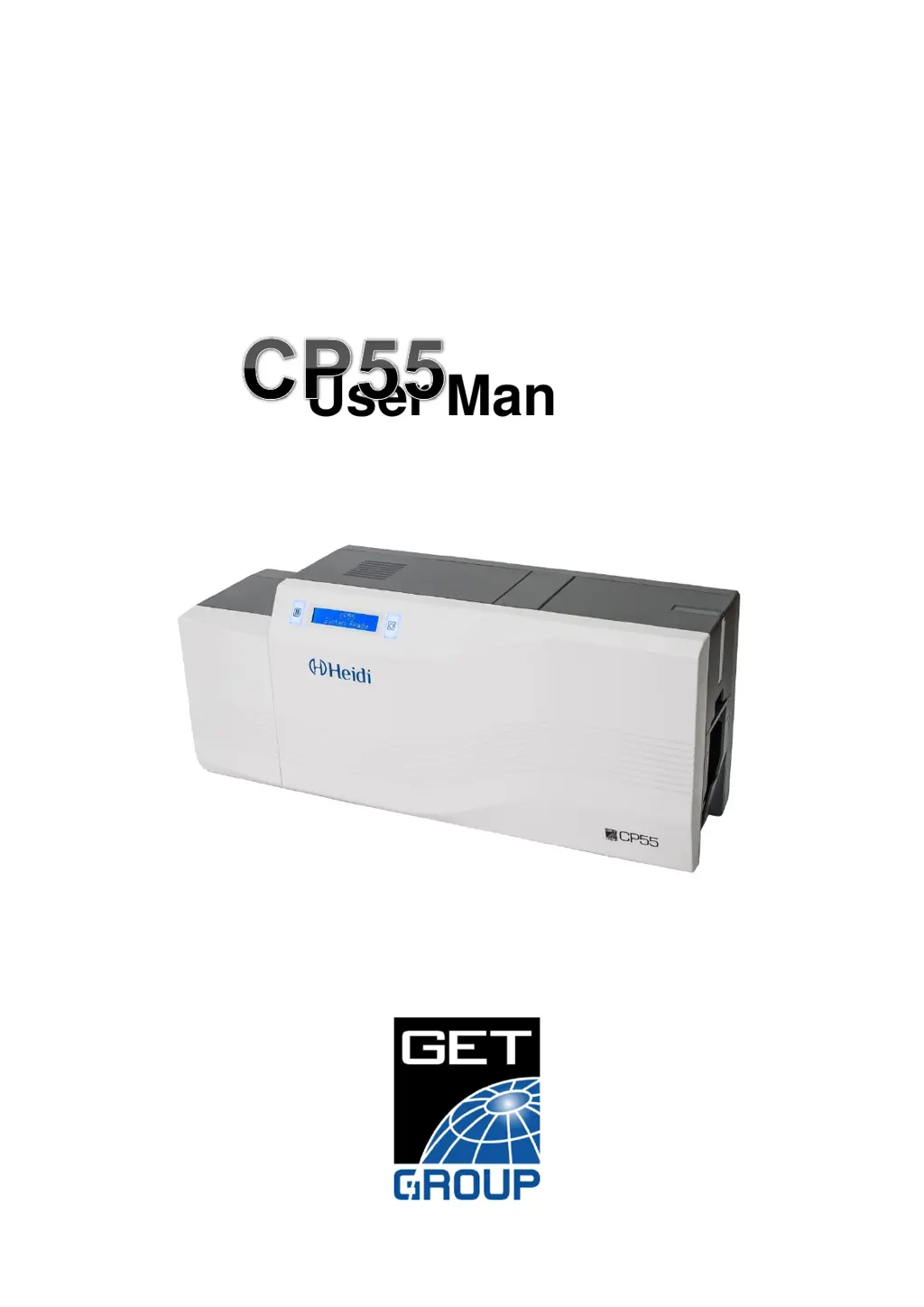
Heidi CP55 - User Manual

Heidi CP55
76 pages
Print Icon
To Next Page IconTo Next Page
Loading...
1
User Manual

Table of Contents

Questions and Answers

  • A
    Anna JonesSep 12, 2025
    What causes 'Card In Error' on Heidi Printer and how to resolve it?
    • L
      lindsay67Sep 12, 2025
      If your Heidi Printer displays a 'Card In Error', check the card thickness and adjust the card thickness control lever. Also, check cards are stuck because of static electricity and clean Hopper roller and cleaning roller.
  • O
    ortizandrewSep 9, 2025
    How to resolve 'MAG T3 Error' on Heidi Printer?
    • C
      charrisSep 9, 2025
      To resolve a 'MAG T3 Error' on your Heidi Printer, check the surface and direction of magnetic card. Also, check the coercivity of magnetic card and encoding configuration and check the rollers, encoder and cards, and clean them if they are polluted.
  • J
    Joseph WalkerSep 8, 2025
    How to resolve 'MAG T2 Error' on Heidi CP55?
    • R
      robertsemilySep 8, 2025
      To resolve a 'MAG T2 Error' on your Heidi Printer, check the surface and direction of magnetic card. Also, check the coercivity of magnetic card and encoding configuration and check the rollers, encoder and cards, and clean them if they are polluted.
  • J
    James PerezSep 7, 2025
    How to resolve 'MAG T1 Error' on Heidi Printer?
    • E
      Elizabeth DavisSep 7, 2025
      To resolve a 'MAG T1 Error' on your Heidi Printer, check the surface and direction of magnetic card. Also, check the coercivity of magnetic card and encoding configuration and check the rollers, encoder and cards, and clean them if they are polluted.
  • K
    Keith NielsenAug 23, 2025
    What to do if my Heidi CP55 shows 'Ribbon Not Found' on the LCD display?
    • G
      Gregory WhiteAug 23, 2025
      If your Heidi Printer LCD display shows 'Ribbon Not Found', you can try changing to the genuine ribbon or changing the ribbon.
  • A
    Ashley AllenSep 5, 2025
    How to resolve 'Ribbon Move Err' on Heidi CP55?
    • A
      Ashley FrazierSep 5, 2025
      To resolve a 'Ribbon Move Err' on your Heidi Printer, check the operating state of the Ribbon Motor and the operating state of the ribbon encoder sensor and gears.
  • R
    rebeccarodriguezSep 4, 2025
    What to do if Heidi Printer displays 'An Error occurs while the card is being transferred'?
    • C
      cgeorgeSep 4, 2025
      If your Heidi Printer displays 'An Error occurs while the card is being transferred', change the cards. You can use only ISO CR-80 card (54mm x 86mm). Also, check the card surface and remove the dust and dirt and try again.
  • C
    Christopher ChavezSep 3, 2025
    How to resolve 'Card Transfer Error' on Heidi Printer?
    • T
      Tammy ChungSep 3, 2025
      To resolve a 'Card Transfer Error' on your Heidi Printer, change the cards. You can use only ISO CR-80 card (54mm x 86mm).
  • L
    Lisa RothSep 1, 2025
    How to fix Heidi CP55 when 'Cards can’t enter into the printer from input hopper'?
    • K
      Kathryn FieldsSep 2, 2025
      If cards can’t enter into the Heidi Printer from the input hopper, change the cards. You can use only ISO CR-80 card (54mm x 86mm). Also, regulate the card thickness control lever to fit the current card thickness, array the cards again and put them on input hopper or remove the moisture or static.
  • K
    Kenneth WardAug 31, 2025
    What to do if Heidi CP55 Printer shows 'TPH Over Heat'?
    • M
      melissathomasSep 1, 2025
      If your Heidi Printer displays 'TPH Over Heat', lower the temperature when the temperature of circumstance is too high or take a stop for 10 minutes and print again.

Summary

CP55 Printer Introduction and Features

CP55 Printer External Features

Describes external printer features, including numbered components and their functions.

CP55 Printer Internal Components

Details internal components of the CP55 printer, including hoppers and print head.

CP55 Ribbon Cartridge and Cleaning Roller

Explains the ribbon cartridge, supply parts, and disposable cleaning roller.

CP55 Printer Display and Button Functions

Explains the printer's LCD display and the functions of its control buttons.

CP55 Printer Installation Guide

Connecting Power and USB Cables

Guides connecting the printer to power and a computer via USB cable.

Installing the Ribbon Cartridge

Provides step-by-step instructions for installing the ribbon and cleaning roller.

Loading Plastic Cards into the Printer

Explains how to prepare and load plastic cards into the input hopper.

Removing Printed Cards

Describes how to remove printed cards from the output stacker.

Installing the Optional Rear Stacker

Details the installation process for the optional rear stacker.

Installing Printer Driver on Windows

Guides the installation of the printer driver on Windows 7, 8, and 10.

CP55 Printer Driver Configuration

Configuring Printer Properties and Preferences

Explains accessing printer properties, preferences, and layout settings.

Advanced Printer Configuration Settings

Covers advanced settings like color correction, position processing, and resin black processing.

Printer Sharing and Port Settings

Details printer sharing, port settings, and color management options.

CP55 Printer Utilities and Tools

Using the Card Printer Configuration Utility

Guides using the CardPrinterConfig utility for printer setup and adjustments.

CP55 Printer Network Setup

Provides instructions for network setup using NetAdmin.exe.

Optional Device Driver Installation

Installing Contact Smartcard Reader Driver

Details the installation of the contact smartcard reader driver.

Installing Contactless Smartcard Reader Driver

Guides installing the contactless smartcard reader driver.

CP55 Printer Troubleshooting Guide

Troubleshooting: CP55 Error Messages

Lists common LCD error messages and their countermeasures for the CP55 printer.

CP55 Printer Cleaning Procedure

Provides instructions for cleaning the printer using an exclusive cleaning card.

Replacing the Thermal Print Head (TPH)

Explains replacing the Thermal Print Head (TPH) and its configuration.

Troubleshooting Card Movement Issues

Addresses issues with card feeding, transfer errors, and card transfer problems.

Troubleshooting Printing Quality Problems

Discusses printing quality issues like unclear prints, color problems, and lines.

Troubleshooting Magnetic Stripe Encoding

Covers troubleshooting for magnetic stripe encoding errors.

Troubleshooting General Printer Operations

Addresses common operational issues like ribbon snapping and printer non-operation.

CP55 Printer Technical Specifications

Heidi CP55 Specifications

General IconGeneral
Print TechnologyThermal Transfer / Direct Thermal
Resolution203 dpi
Print SpeedUp to 4 ips (102 mm/s)
Max Print Width54 mm
Memory8 MB Flash
ConnectivityUSB
InterfaceUSB