26
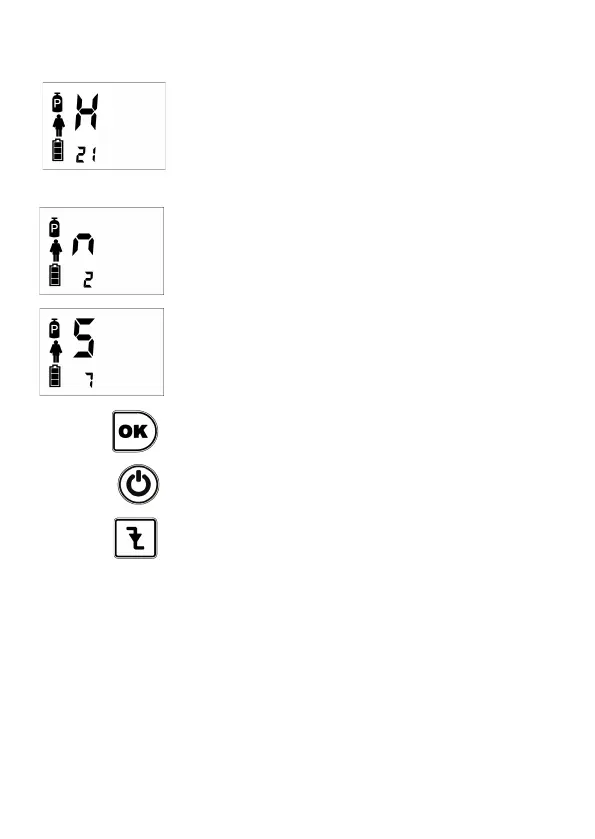
Automatically, it will go to select hour (H), minutes
(n), and seconds (S). Pressing OK key after each
setting.
In the example it has been selected the time
21:02:07.
After selecting the seconds, press OK to confirm
date and time.
If you press ON / OFF, it returns to the main menu.
If you press Trigger, it returns to the main menu
without updating the time.


 To Next Page