22/42
6.1.2 Initializing the centrifuge
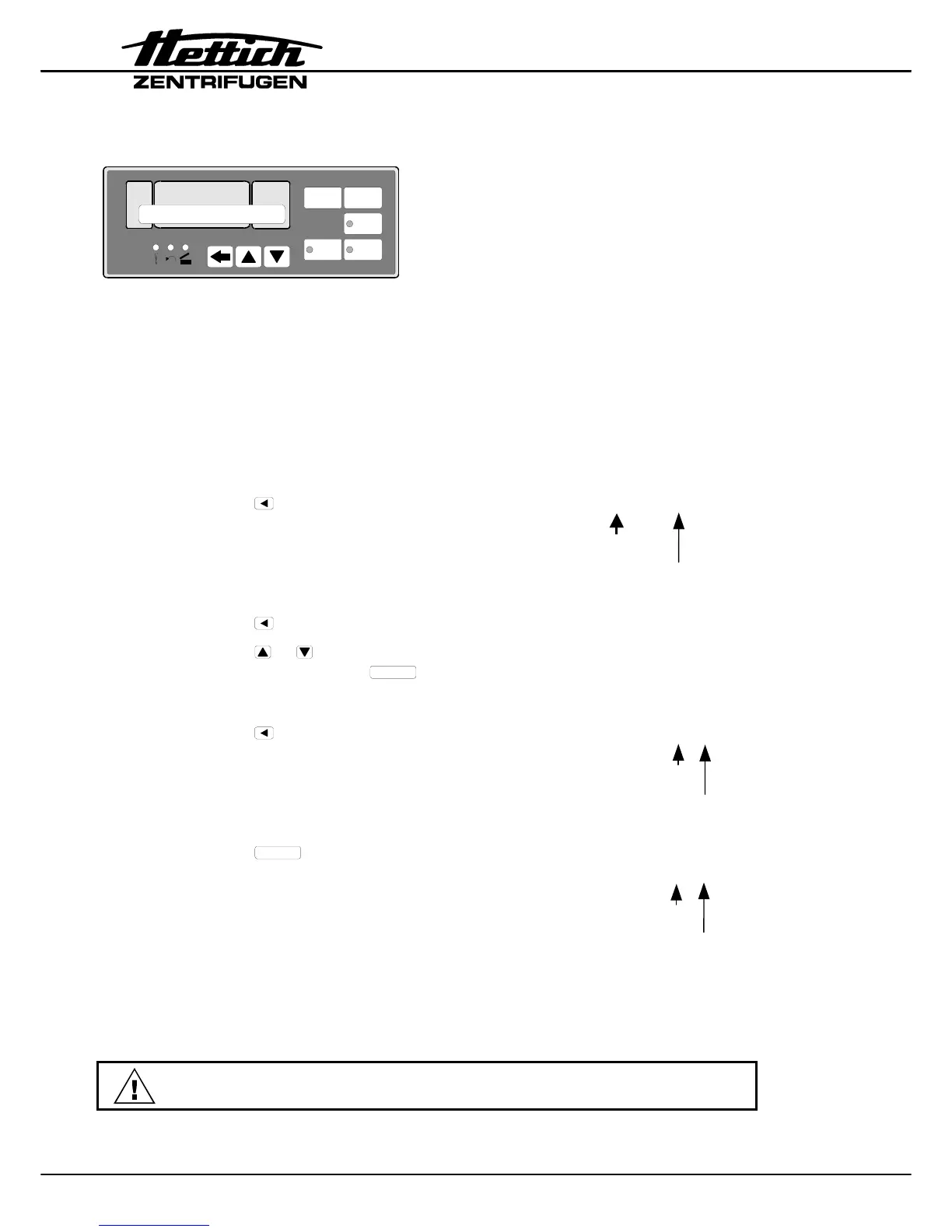
START
RCF
IMPULS
STOP
RPM t / min:s
PROG
PROG
>RCF<
An initialization must be carried out:
• after replacing the frequency converter.
The frequency converter must be adjusted to the centrifuge.
1. Prepare the centrifuge for the initialization (see chapter "Prerequisites for the
initialization").
2. Switch on the mains
switch
→
Display:
* INIT – MODE *
3. Press the
key
→
Display:
VERS 04 °C/* 00
Machine version
Cooling version (00 = without cooling)
4. Press the key
→
Display:
IMBALANCE MODE 2
5. Press the or key to set IMBALANCE MODE 1 or IMBALANCE
MODE 2. Now press the
START
key to save this setting. Information
about IMBALANCE MODE see chapter "Imbalance Mode".
6. Press the
key
→
Display:
PARAM – INIT 0000
Machine version
Number of initialisations
7. Press the
START
key
→
Display:
*** OK ***
followed by
PARAM - INIT 4001
Machine version
Number of initialisations
8. Switch off the mains switch.
9. Remove both jumpers on the coding strip X3 of the control panel from position
3
and 4.
Plug a jumper on the coding strip X3 of the control panel at position 0
(“Watchdog”).














 To Next Page