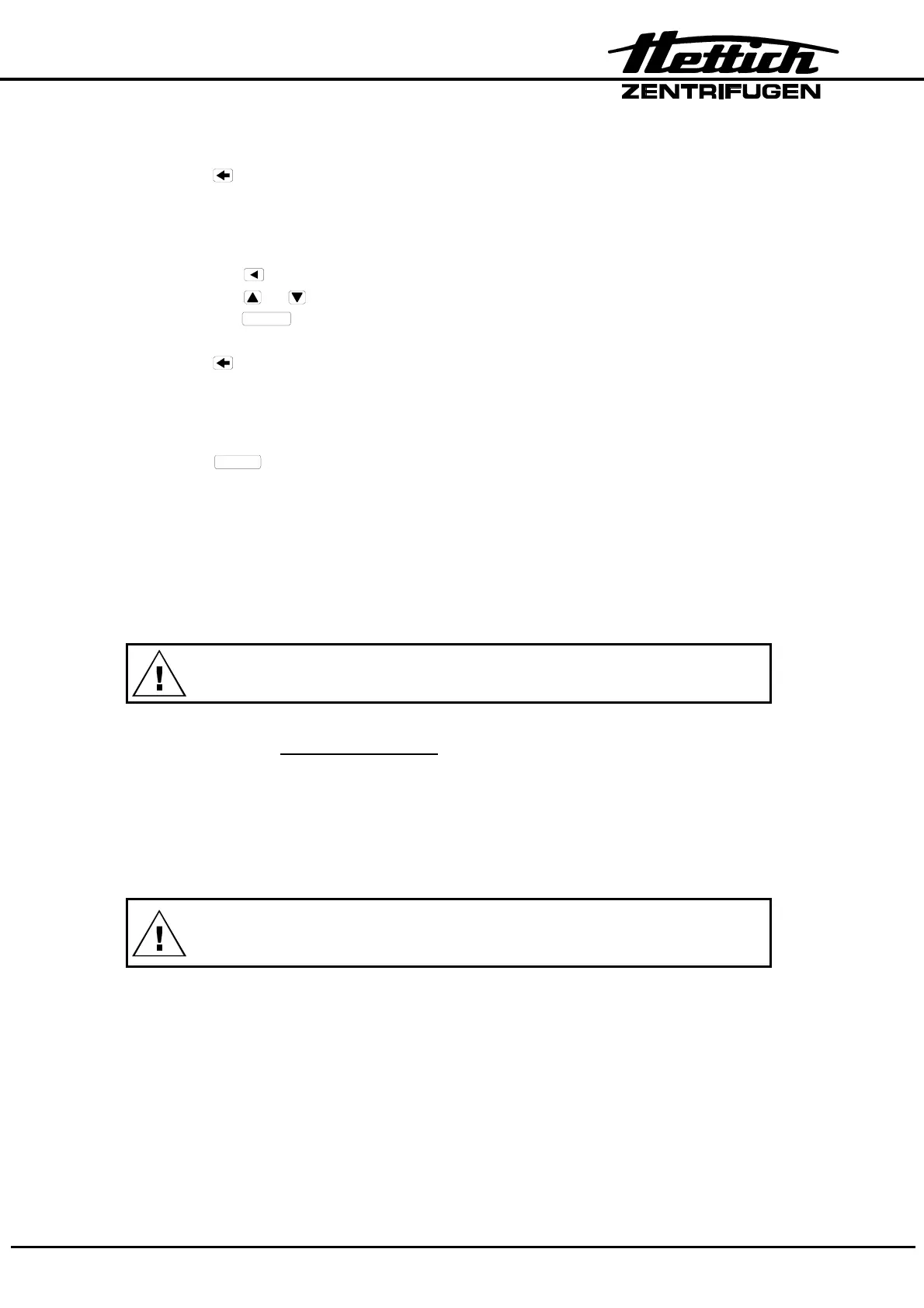
CP : control panel, FC : frequency converter, SB : supply board, CB : cooling board, CC : control cable, LL : lid locking, BC : braking chopper,
BR : brake resistor, MR : mains reset
23/49
• Mains switch is ON
→
Display:
INIT – MODE
• Press key
→
Display:
VERS 06 °C / * 01
↑ ↑
machine version
Cooling version (01 = with cooling, 00 = without cooling)
• Press the key
→
Display:
IMBALANCE MODE 2
• Press the or key to set IMBALANCE MODE 1 or IMBALANCE MODE 2. Now
press the
START
key to save this setting. Information about IMBALANCE MODE
see chapter "Imbalance Mode".
• Press
key
→
Display:
PARAM – INIT 0000
↑ ↑
machine version
Number of initializations
• Press
START
key
→
Display:
*** OK ***
and then:
PARAM – INIT 6001
↑ ↑
machine version
Number of initializations
• Mains switch is OFF.
• Remove both jumpers from slot 3 and 4 on coding strip X3 on the CP.
Put a jumper on slot zero at the plug on coding strip X3 on the CP.
(Service position, “Watchdog”)
An initialization is always necessary after a replacement of the FC.
5.3. Imbalance Mode
From programme version 3.00 it is necessary to set the imbalance mode during the
initialization.
Depending on the SB version IMBALANCE MODE 1 or IMBALANCE MODE 2 must be
selected.
If the incorrect imbalance mode is selected, the display shows
error "IMBALANCE" permanently !
5.4. OFFSET alignment
An OFFSET alignment is performed to align the temperature sensor and the CP electro-
nics with one another. An alignment must be performed in any event:
− 1. Replacement of the temperature sensor at the centrifuge chamber.
− 2. Replacement of the CP or the EPROM at the CP.
The OFFSET alignment for the temperature sensor is carried out in the CP.













 To Next Page