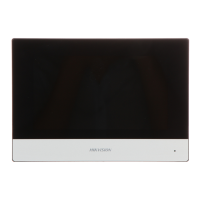
Table 1-3 Front Panel Descripon
No. Indicator Name Descripon
1 AC Power Solid Green: Power on
O: Power o
2 Alert Solid Orange: In the disarming status,the LED indicates alarm
(such as panic alarm, zone alarm, tampering alarm, etc.) and
fault (such as operaon fault, connecon fault, etc.)
Note
Voice nocaons that are not allowed to be indicated/heard
to level 1 users will only be heard when presented with a valid
tag or keyfob.
The device will prompt detailed alarm or fault
informaon
while authorized users disarm the system.
You can set to indicate fault when arming
*
in the web client.
*
Not compliant the EN requirement.
3 Link Solid Green: The panel is bound to Hik-connect account
O: The panel is not bound to Hik-connect account
4 Arm/Disarm Solid Blue for 5 s: Armed
Note
You can set the arming indicator connuously on
*
when
armed in the web client.
*
Not compliant the EN requirement.
O: Disarmed
5 Alarm Flashing Red: Alarm Occurred
Solid Red: Device Tampered
O: No Alarm
Component and Interface
Remove the rear cover, and some of the components and interfaces are on the rear panel.
AX Security Control Panel
6



 To Next Page
 Loading...