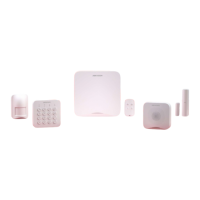
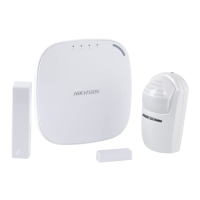
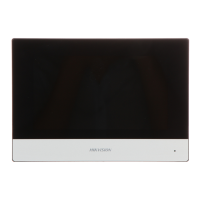
Figure 4-44 Arming or Disarming Schedule Page
Entry Delay 1
Entry Delay 2
Set a value for Entry Delay 1 and Entry Delay2. Entry delay is a
me concept. If entry delay is
congured for the delayed zone, when you enter an armed delayed zone, the zone alarm will
not be triggered
unl the end of entry delay.
Note
Aer set value for Entry Delay 1 and Entry Delay 2, you should set the entry delay of a specic
zone to the value of Entry Delay 1 or Entry Delay 2.
Exit Delay
Set exit delay for the delayed zone. If exit delay is congured for the delayed zone, aer you arm
the zone on the indoor unit, you can exit the zone without triggering alarm unl the end of exit
delay.
Auto Arm
AX Security Control Panel
73



 To Next Page
 Loading...